Update 0.9.9.1 - Modernized and restyled UI
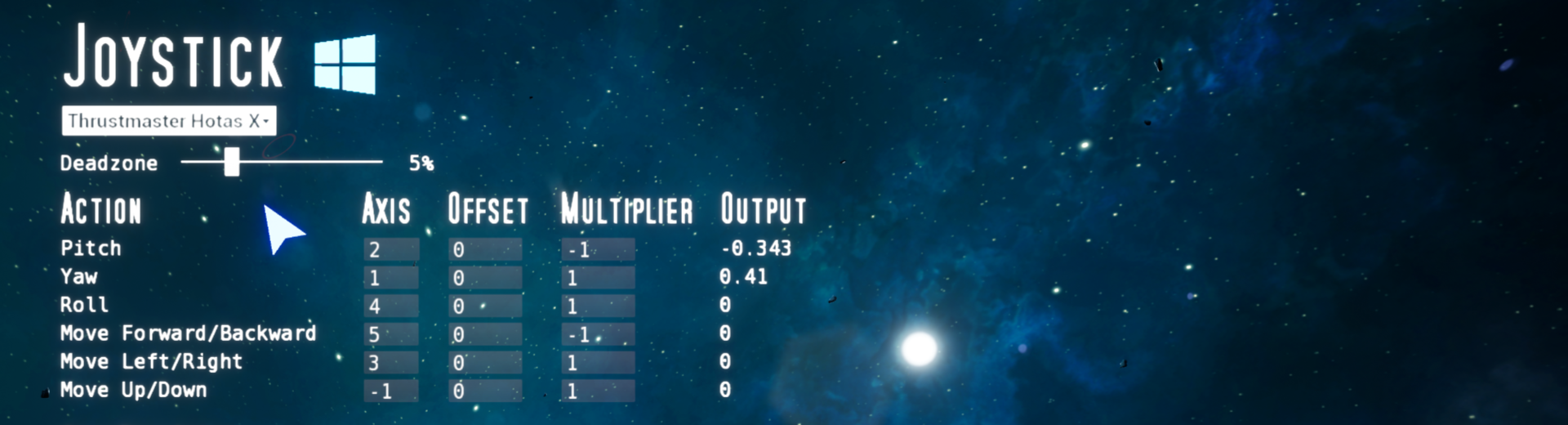
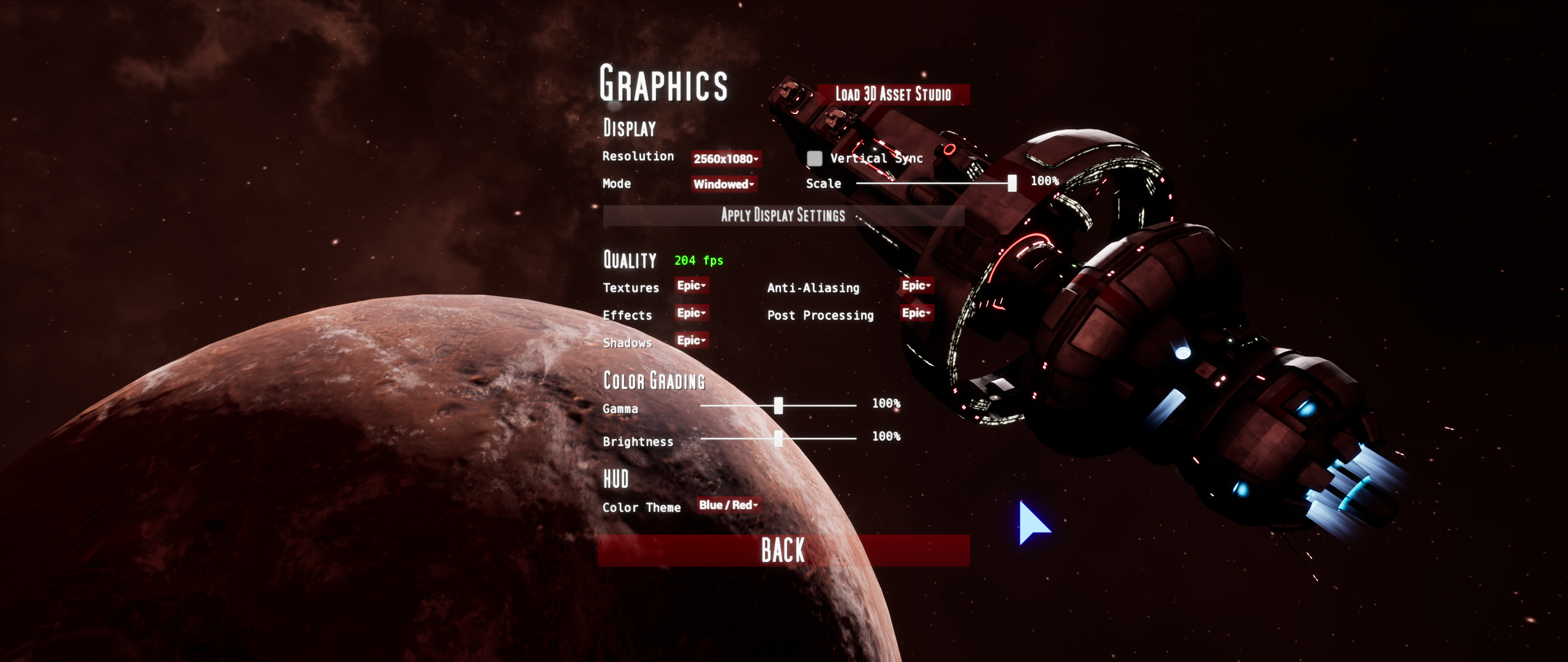
This update modernizes all menus and UI-elements within them (buttons, text-boxes, drop-downs, etc.). The UI in Astrokill has largely remained unchanged for years, since gameplay has received the most attention. Previously, the UI was mostly implemented in Blueprints. I've nativi
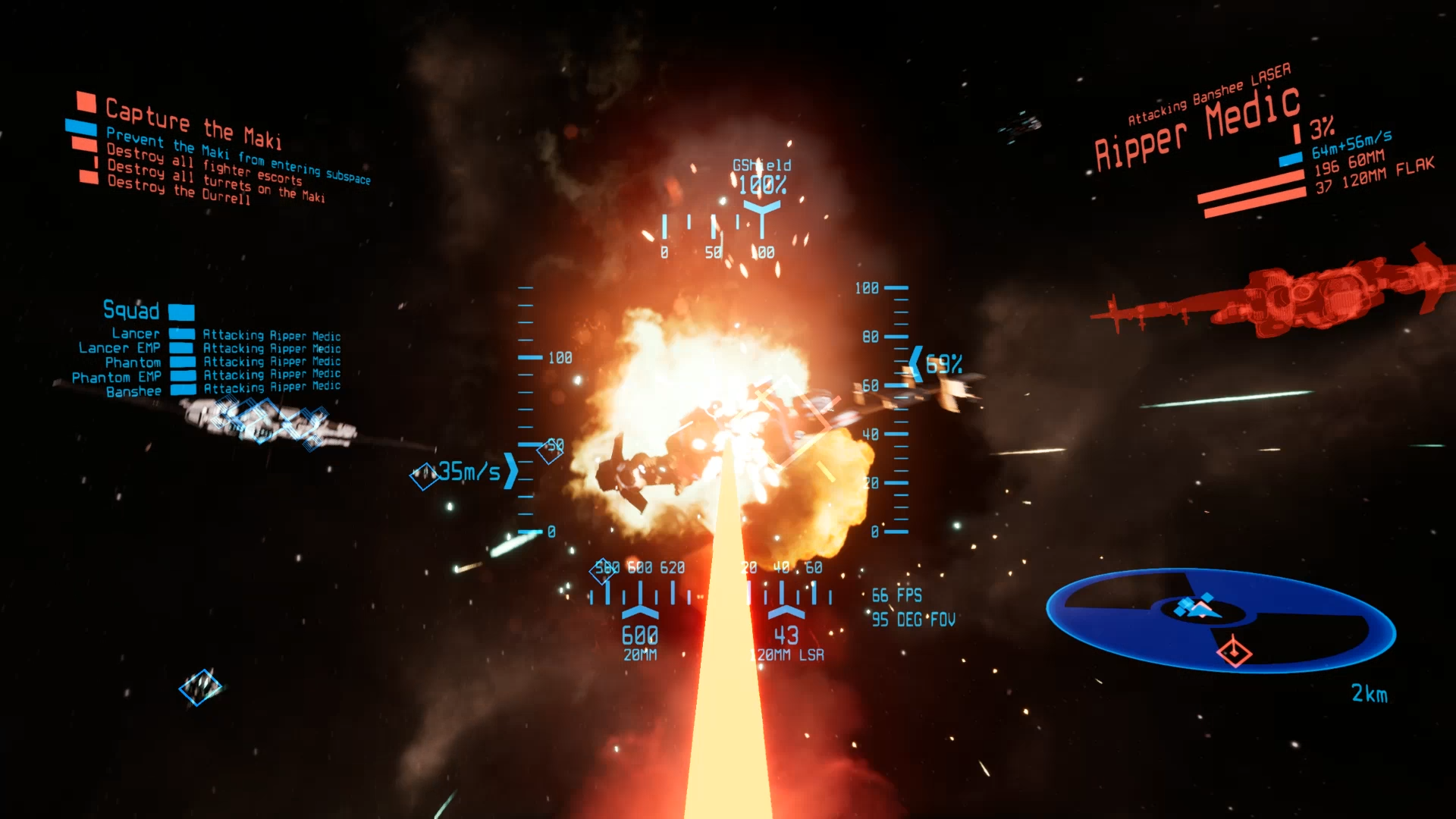
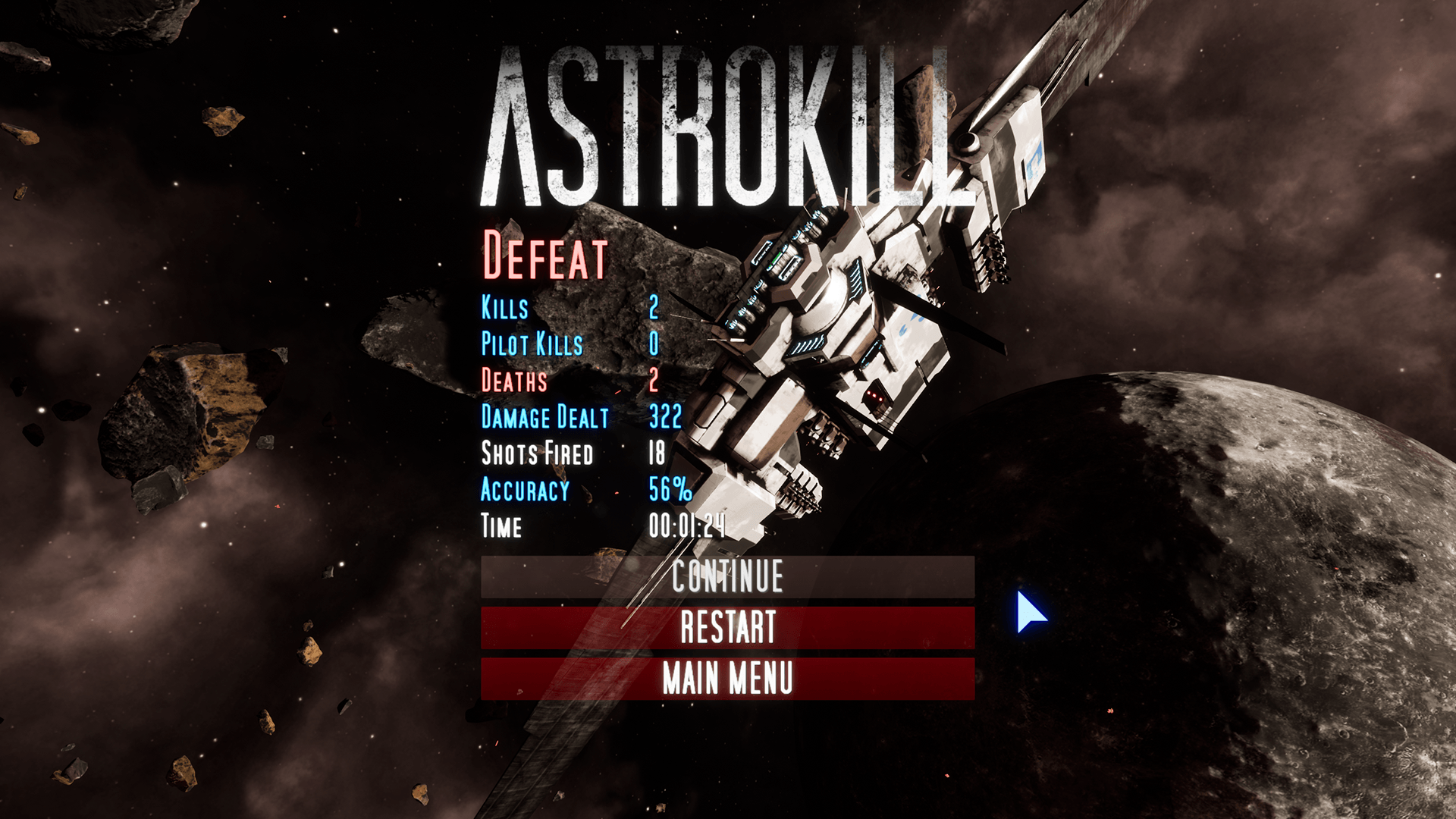
This update modernizes all menus and UI-elements within them (buttons, text-boxes, drop-downs, etc.). The UI in Astrokill has largely remained unchanged for years, since gameplay has received the most attention. Previously, the UI was mostly implemented in Blueprints. I've nativized the UI (converted to C++) and added the ability to customize colors globally. Now, when you choose a different color-theme, the entire UI changes colors to match the in-game HUD!
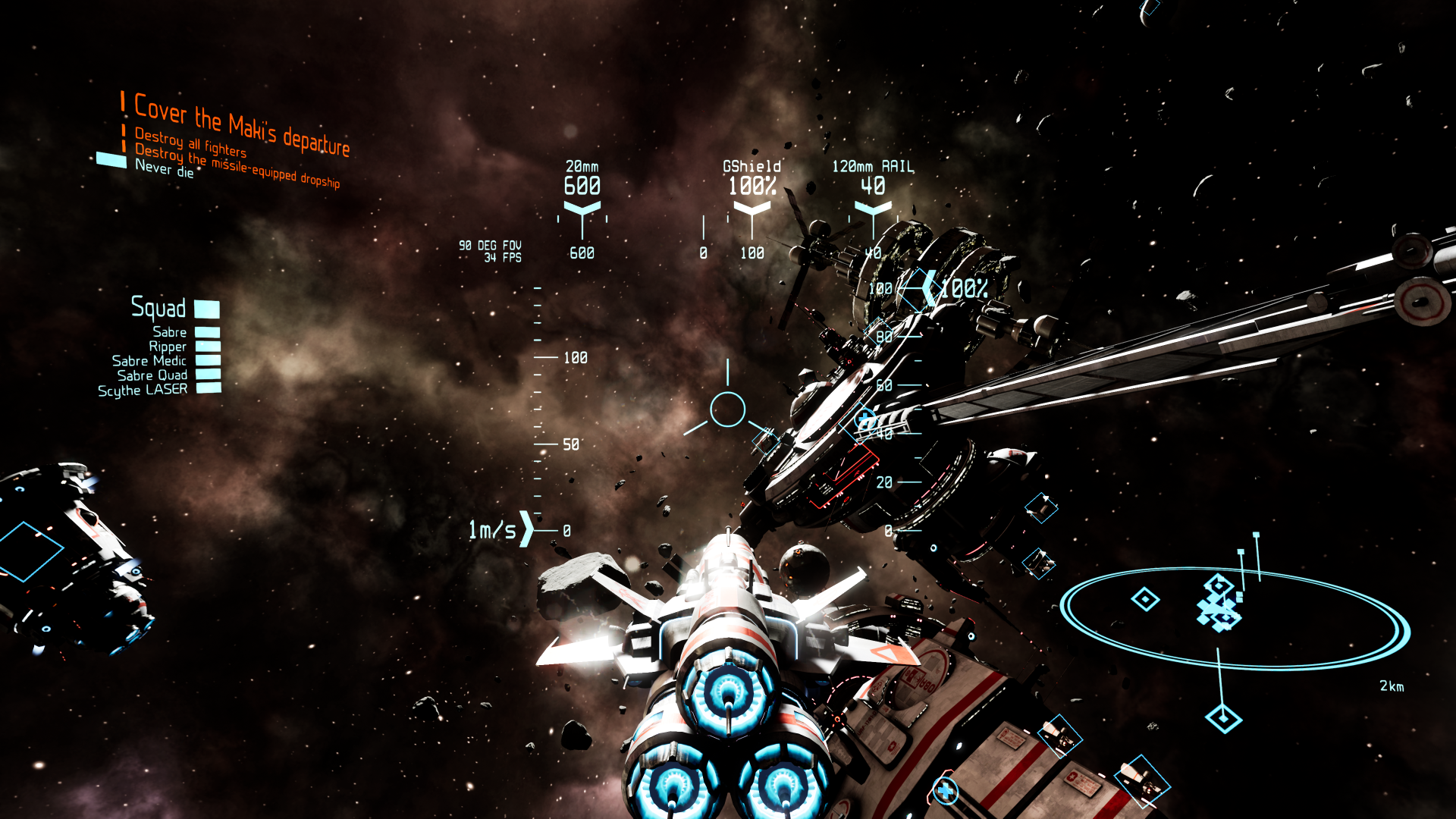
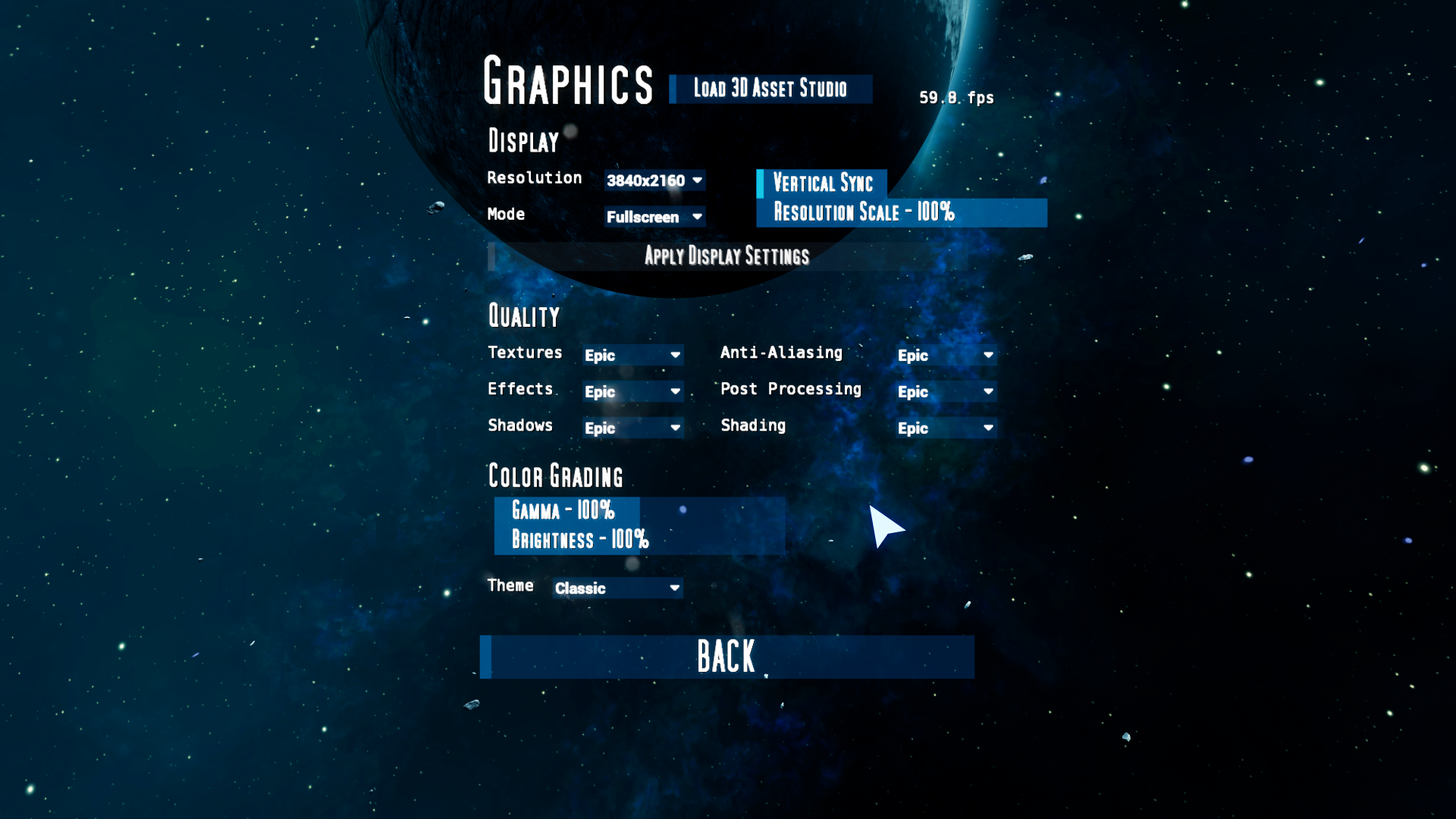
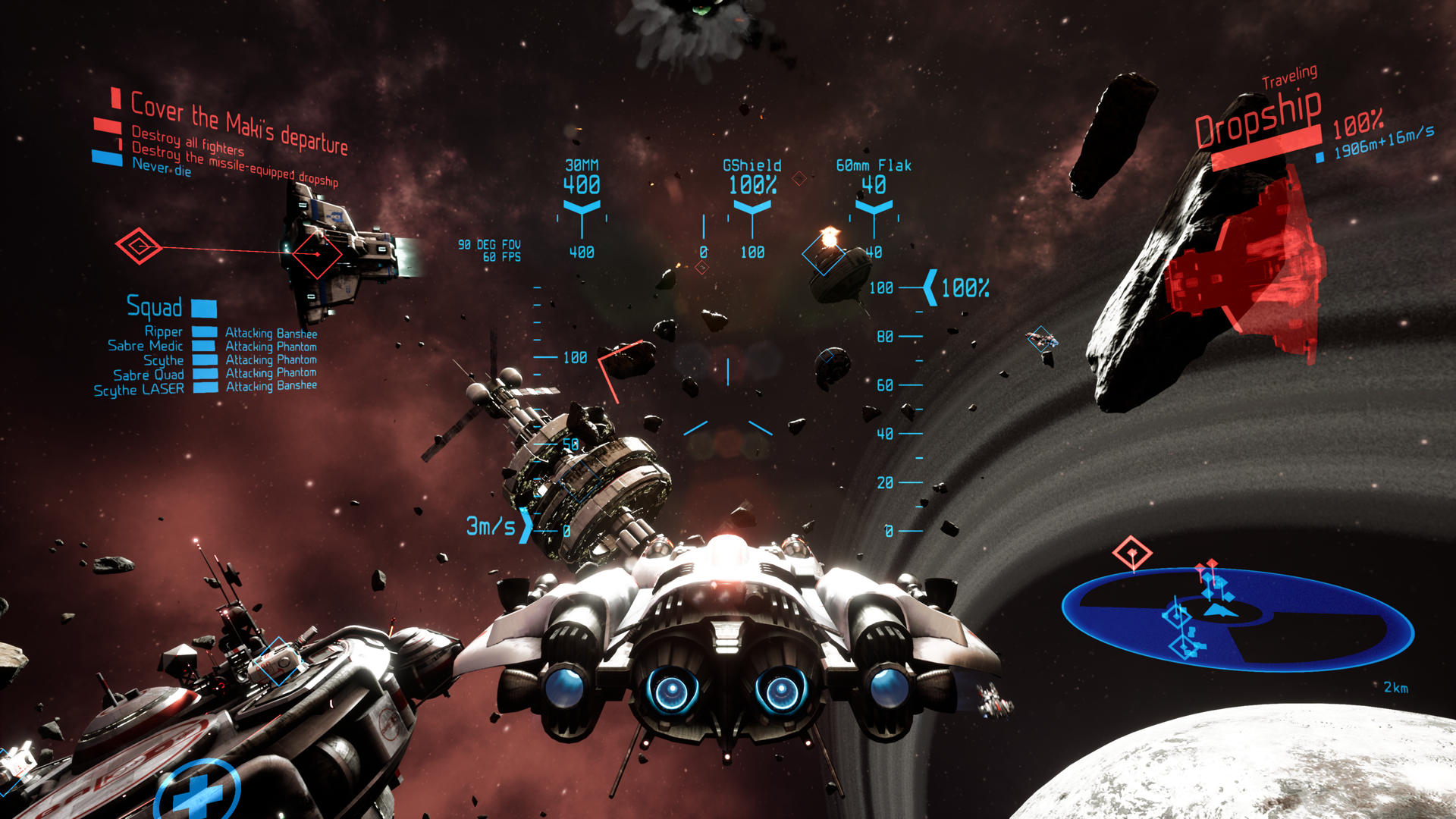
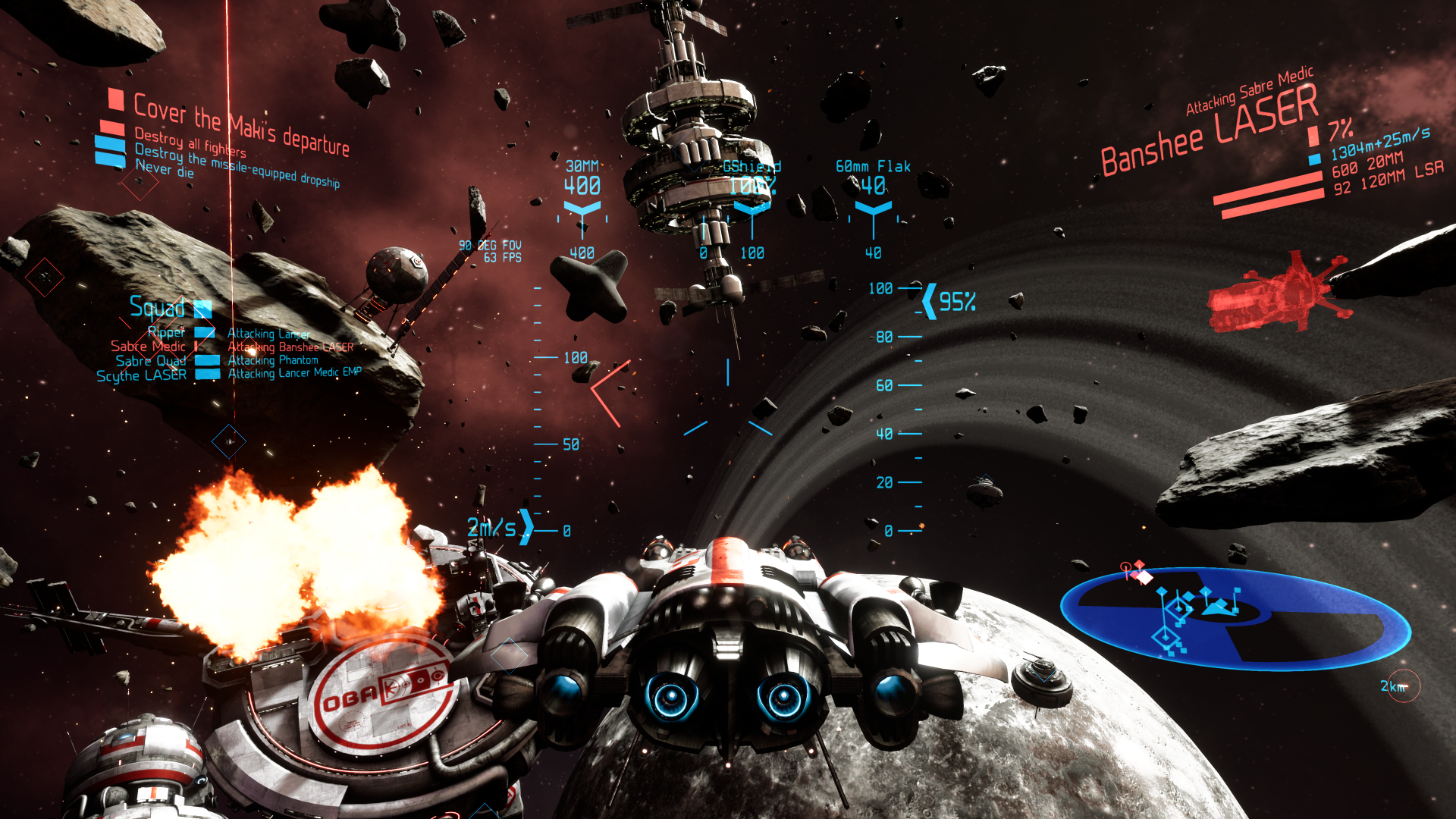
Original post HUD
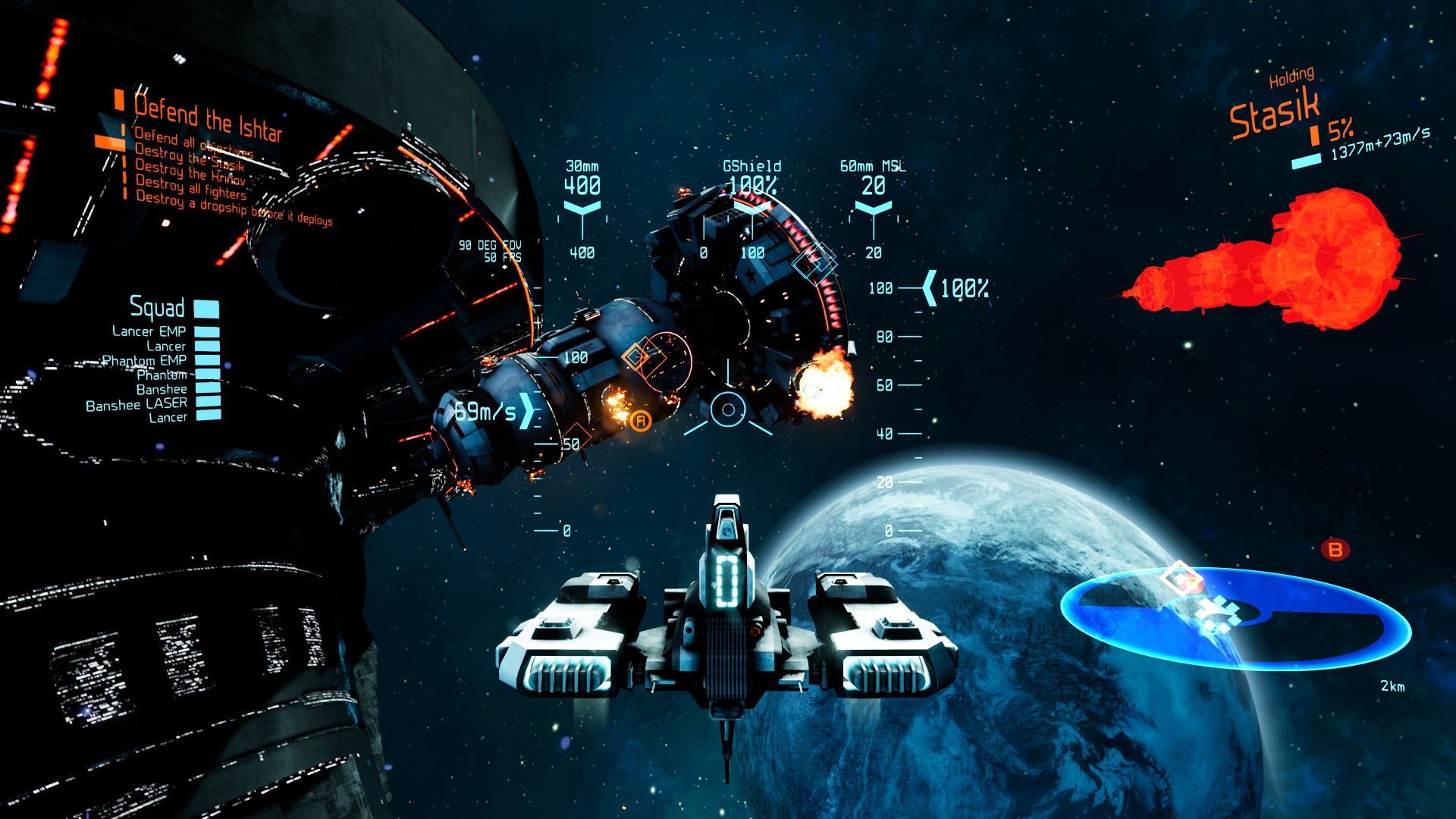
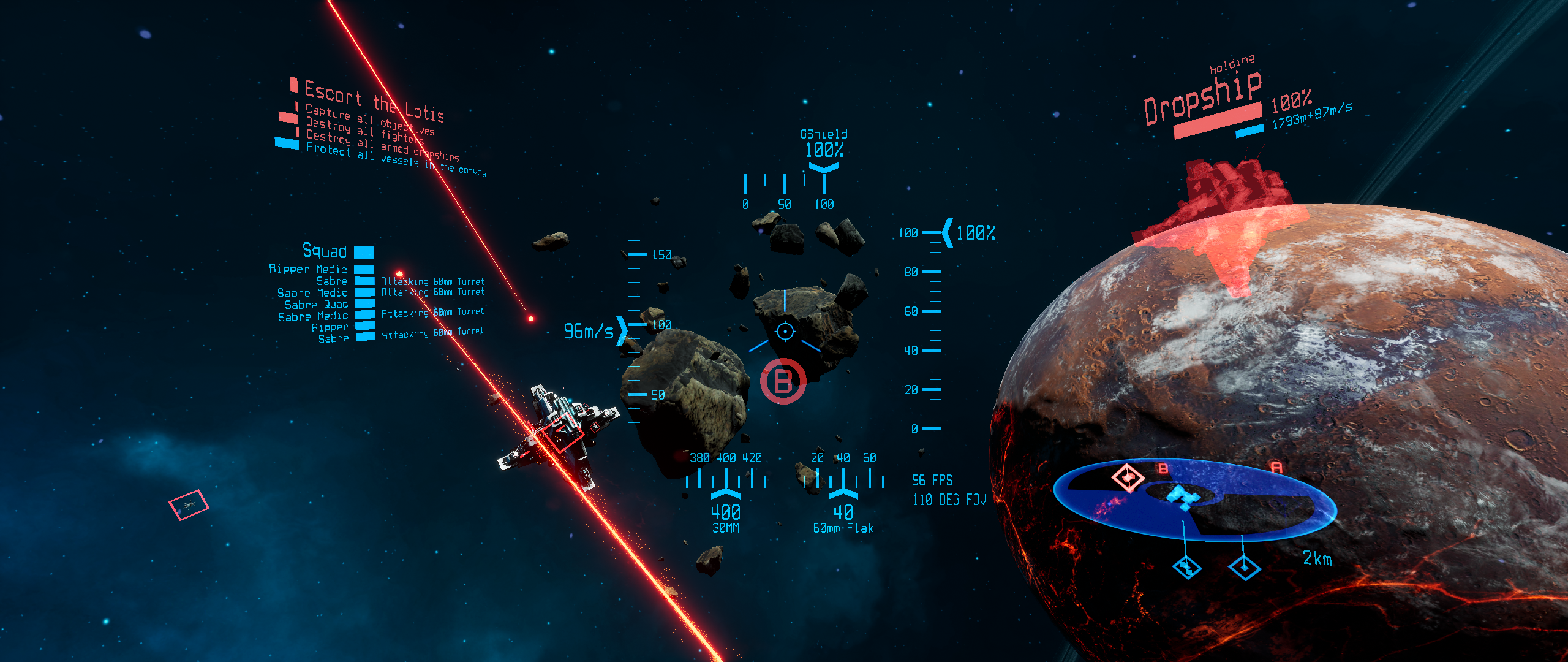
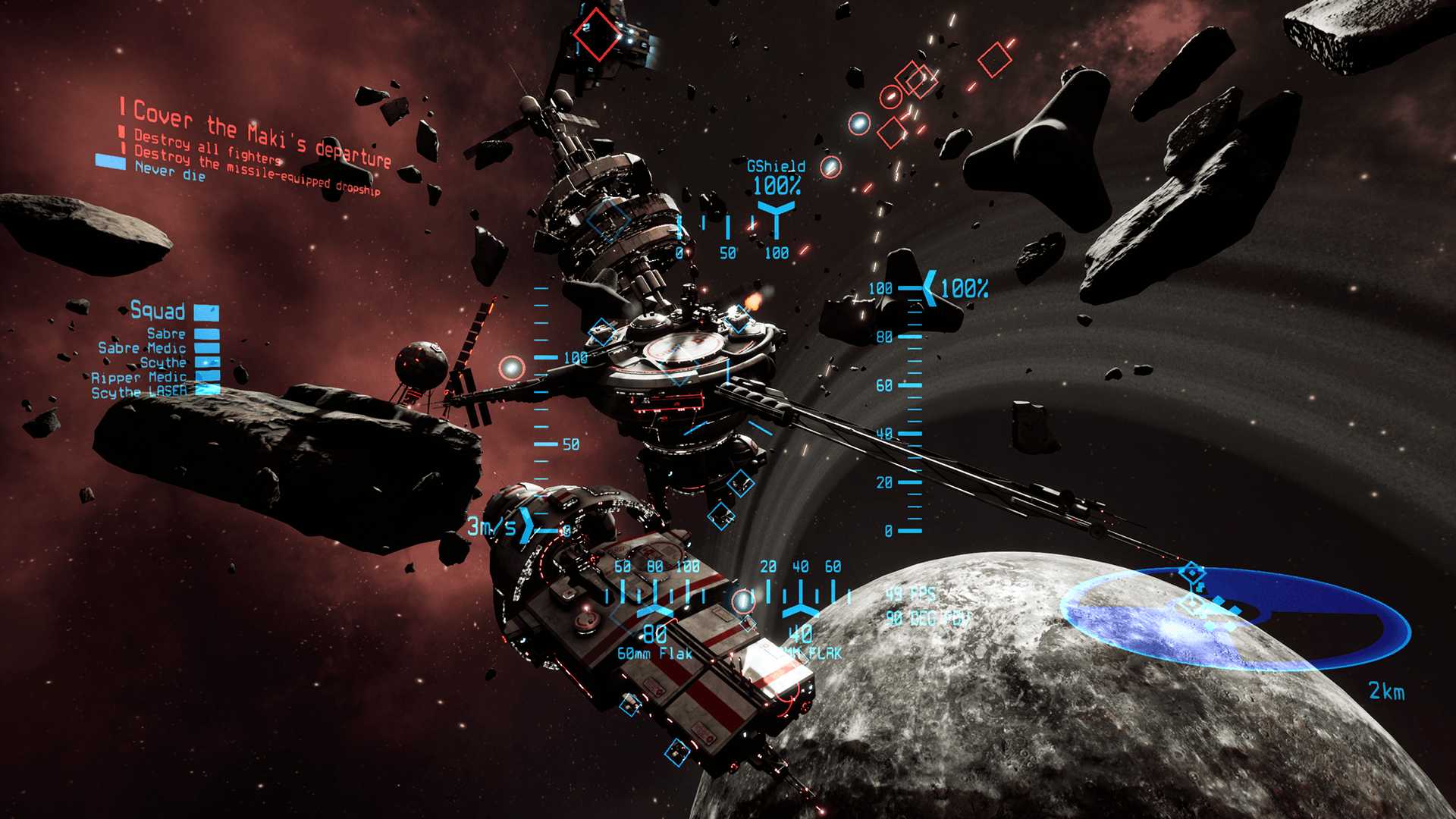
- Minimap now has double-lined border and a transparent inner region
- Reduced saturation of blue-tinted cockpit/HUD-elements
- Reverse "x" icon is now a "friendly" color instead of red
UI
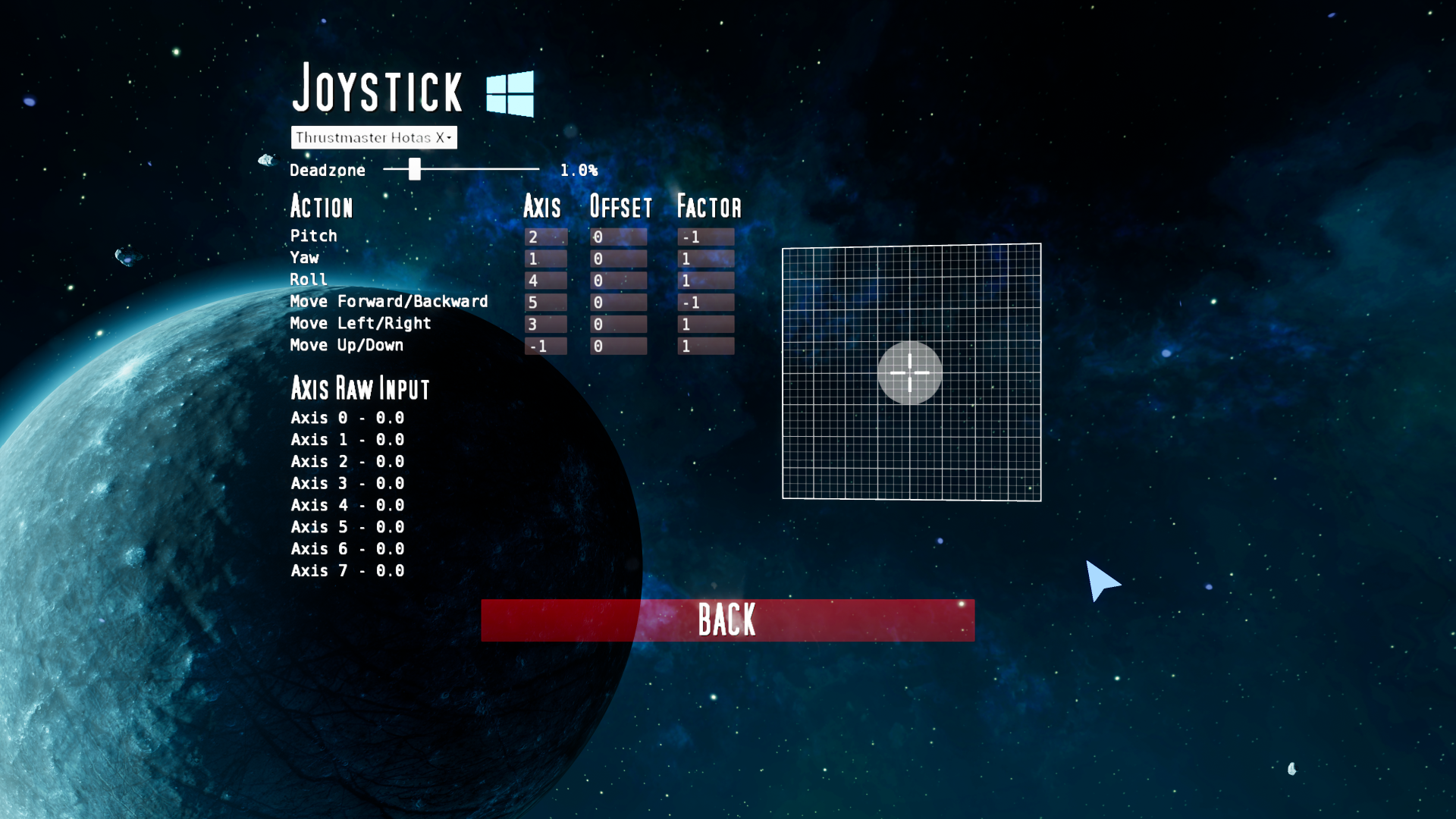
- Modernized menus by "ironing out" buttons and other widgets
- Increased transparency on all UI-elements to improved readability
- Buttons now support 3 different behaviors internally (normal, toggle, or slider)
- Redesigned sliders to be more readable and easier to click-and-drag
- Nativized key-selectors (found in controls-menu)
- Nativized text-fields (found in joystick-menu)
- Colors on drop-downs now match rest of UI (previously white and difficult to read)
- FPS-display in graphics-menu now fades to red when low and always shows 1 fractional digit
- Renamed color-themes to Classic, Fabulous, and Mono
Audio
- Reduced default music-volume by ~30%
- Added UI-sounds for combo-box-selections, slider-releases, and text-field-commits
Core
- Changed capture-mode to 'Capture Permanently Including Initial Mouse Down'
- Changed lock-mode to 'Lock on Capture'
- Mouse is now always captured on launch (bCaptureMouseOnLaunch in DefaultInput.ini)
- Eliminated the need for several UI-related interfaces to reduce architectural complexity
- UI-elements now leverage delegates (instead of interfaces) to share information related to theme-changes, press-events, key-down events, etc.
- Upgraded font-assets to eliminate all font-related warnings from build
Controls
- Mouse-cursor can now click via the Space Bar (allows one-handed operation from the keyboard)
Bugs
- Fixed issue with default camera-perspective not being saved if selected from main-menu