
How to get the full version of Gunscape
Hi! We have been getting a few questions about how to purchase the full version of Gunscape when you already have the free-to-play version, so we decided to tell you step-by-step how to do that. Removing the game from your library To be able to purchase the full version of Gunsca
Hi! We have been getting a few questions about how to purchase the full version of Gunscape when you already have the free-to-play version, so we decided to tell you step-by-step how to do that.
Original post Removing the game from your library
To be able to purchase the full version of Gunscape, you will need to remove the game from your library, as uninstalling the game won't be enough. To remove Gunscape from your library, follow these steps:- From the Steam Client, select Gunscape from the games list
- From the Gunscape game page, select Support

- From the Support page, select 'I want to permanently remove this game from my account'
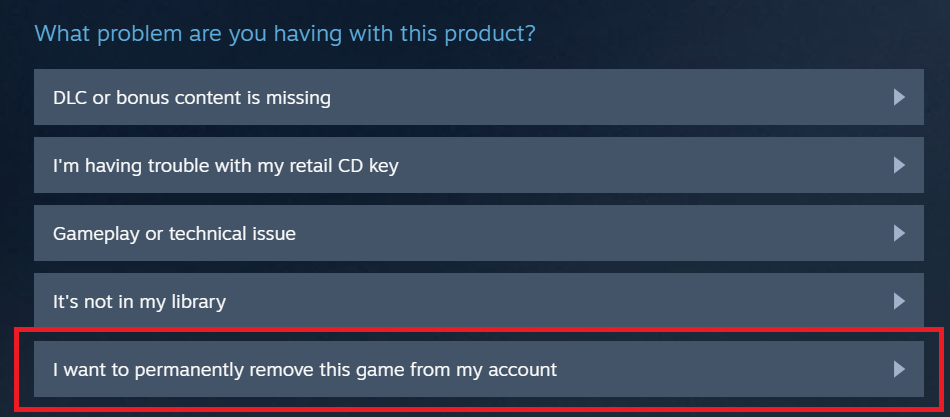
- From the confirmation page, select 'OK, remove the listed games from my account permanently'