High Res Monitor Fixes (and a few other things)
I've made fixes to the code to automatically adjust the size of many of the windows, icons, panels, and text on higher resolution monitors. Should be easy to read/play now on all monitor resolutions. Added a new part (Ultra Marble) and also a new state to the Egg part. Found what
I've made fixes to the code to automatically adjust the size of many of the windows, icons, panels, and text on higher resolution monitors. Should be easy to read/play now on all monitor resolutions.
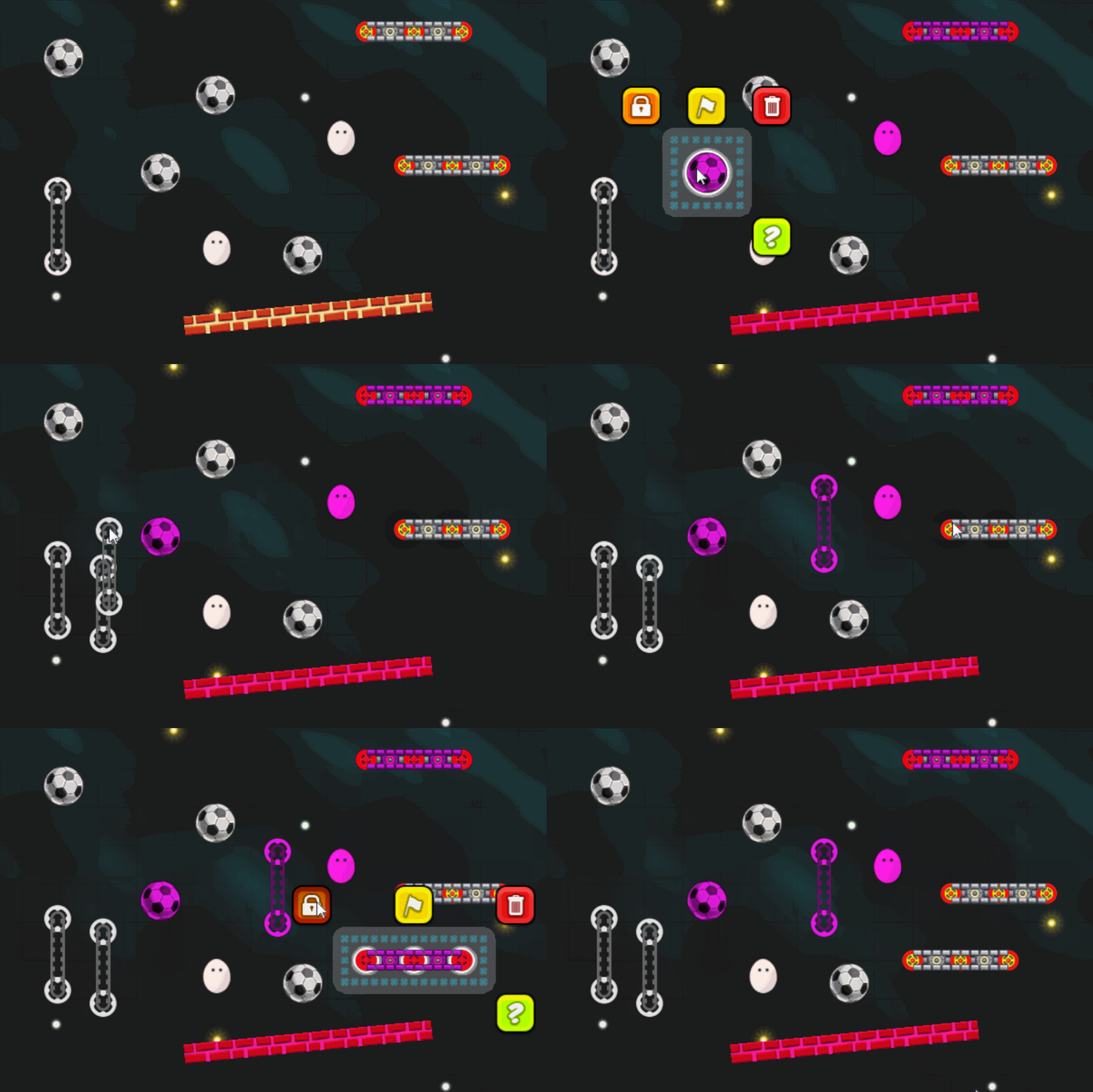
Added a new part (Ultra Marble) and also a new state to the Egg part.
Found what could have caused a crash deep down in the code of one of the libraries CM is using. Fixed it.
Fixed "Snow Computation" puzzle. The official solution for it wasn't solving.
Original post 


 Aiming to release these in the first half of June.
Here are some of the new parts that'll be in this update:
Aiming to release these in the first half of June.
Here are some of the new parts that'll be in this update:
 Also dealing with some weather today. Looks like we'll have tornado watch or warning in next couple of days. I'm in Cherokee County.

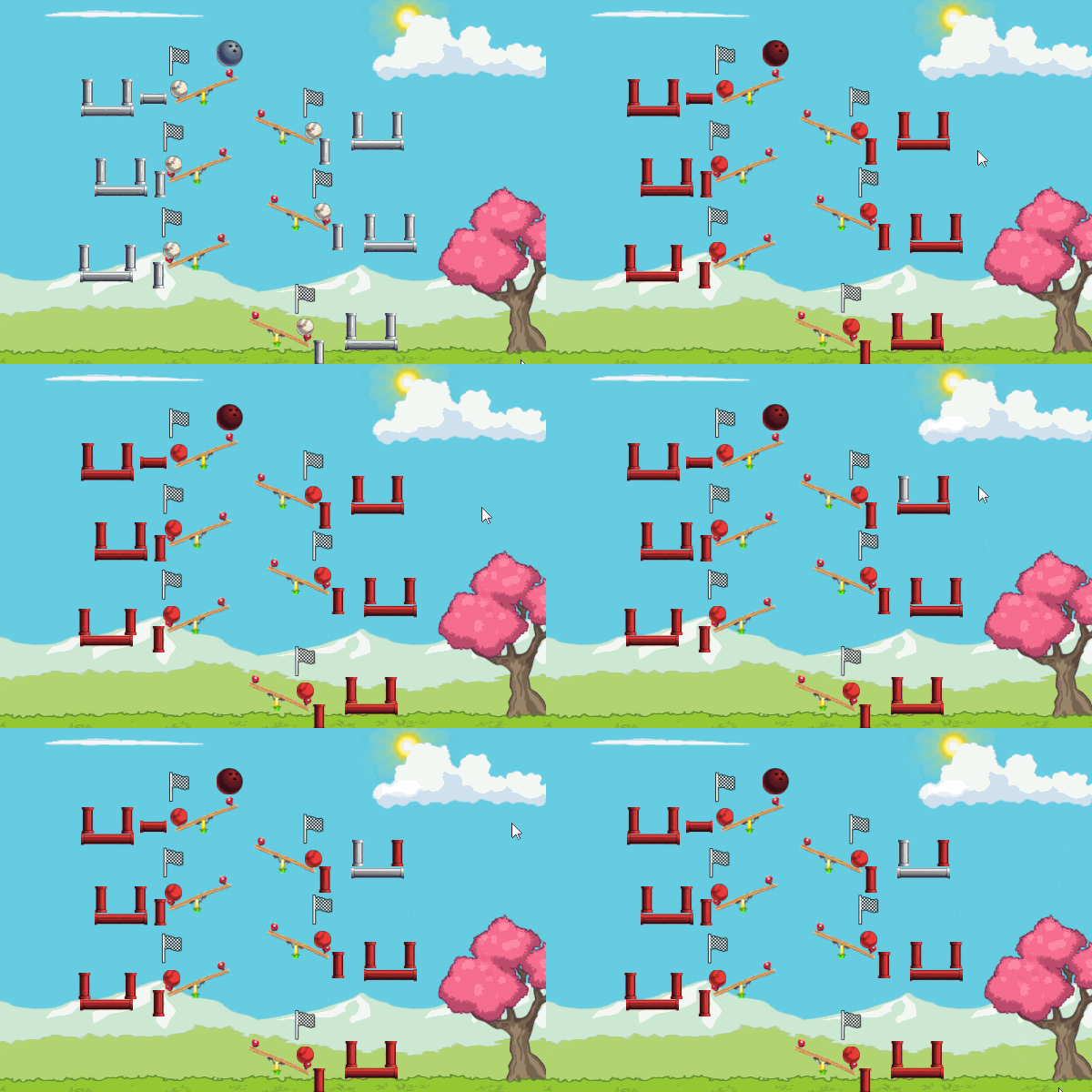
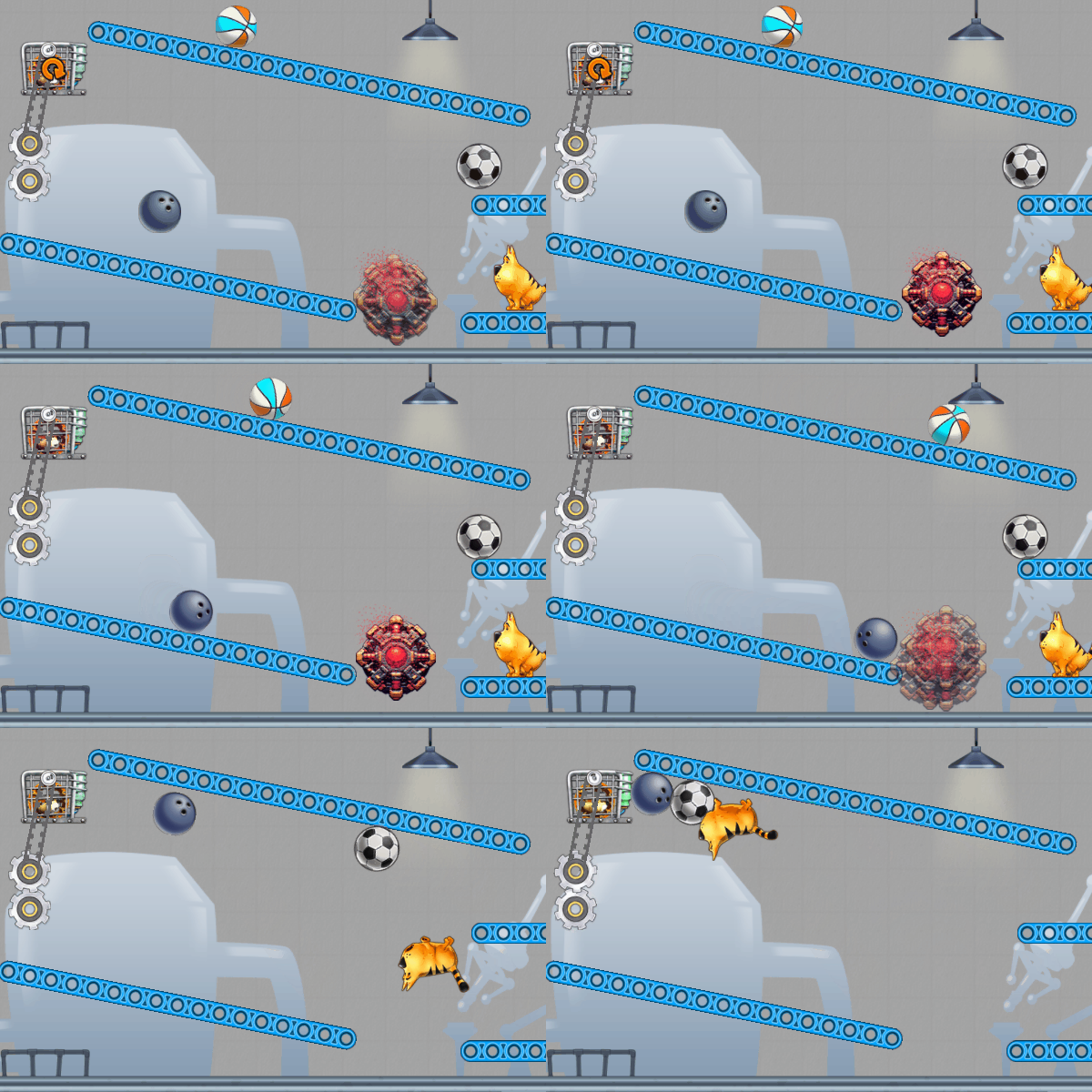 Gravity Bomb - When hit it'll change the gravity of the whole level.
 Gravity Bomblet - Only changes the gravity of the part that hit it.
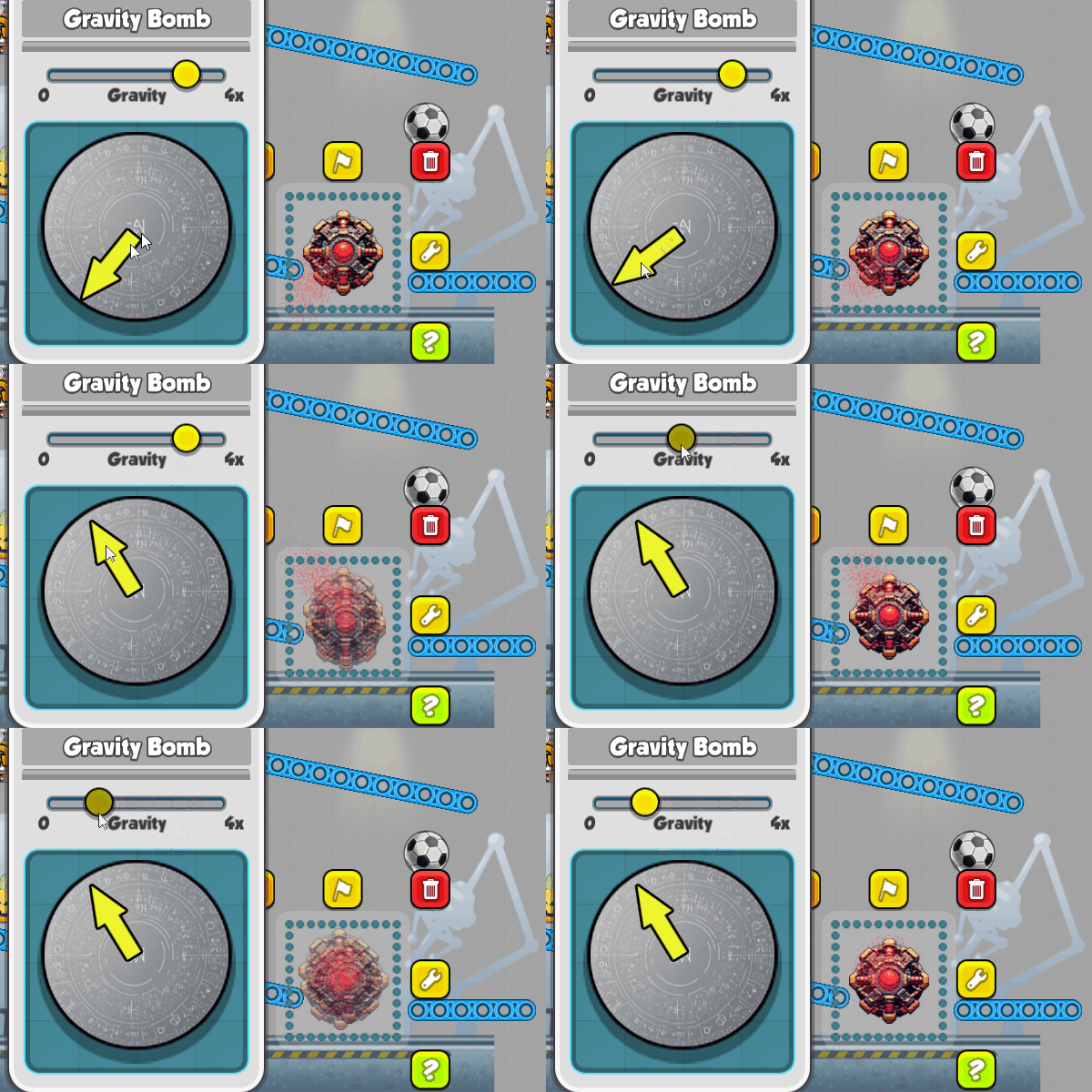 The direction and force of gravity can be set for each bomb and bomblet.
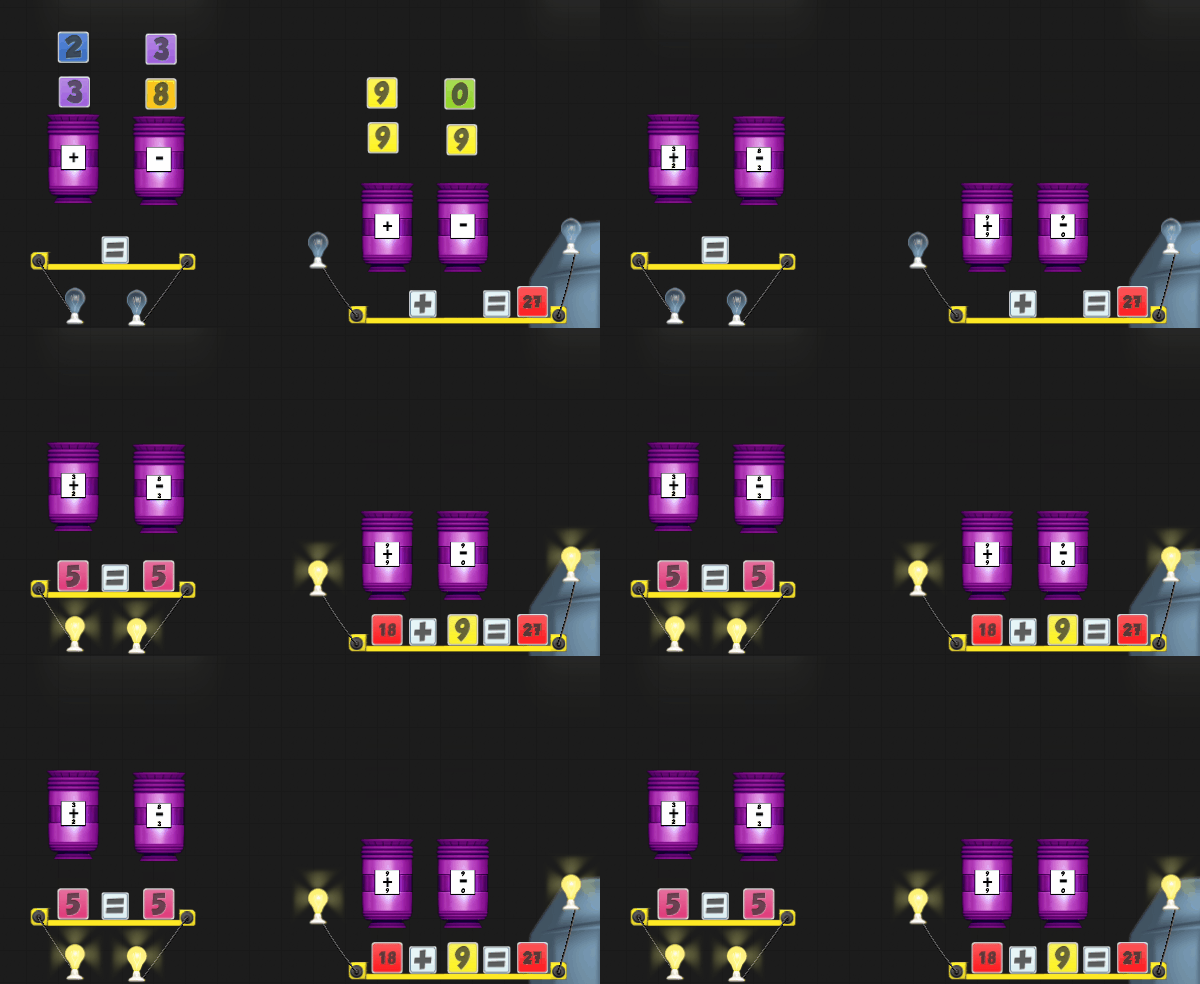
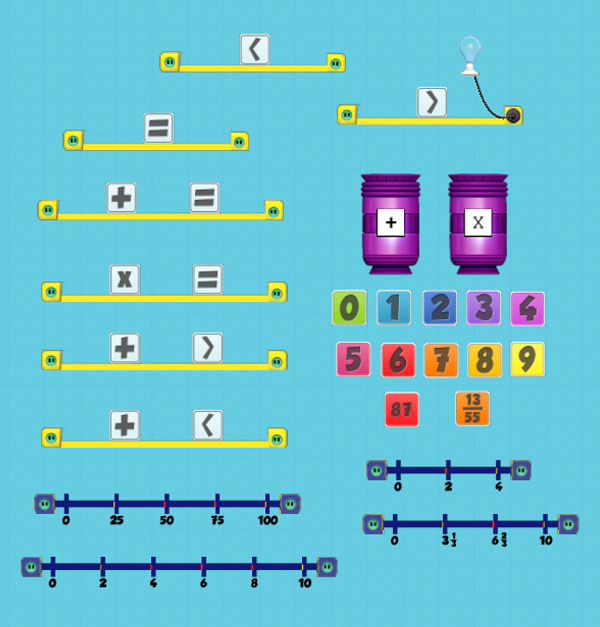
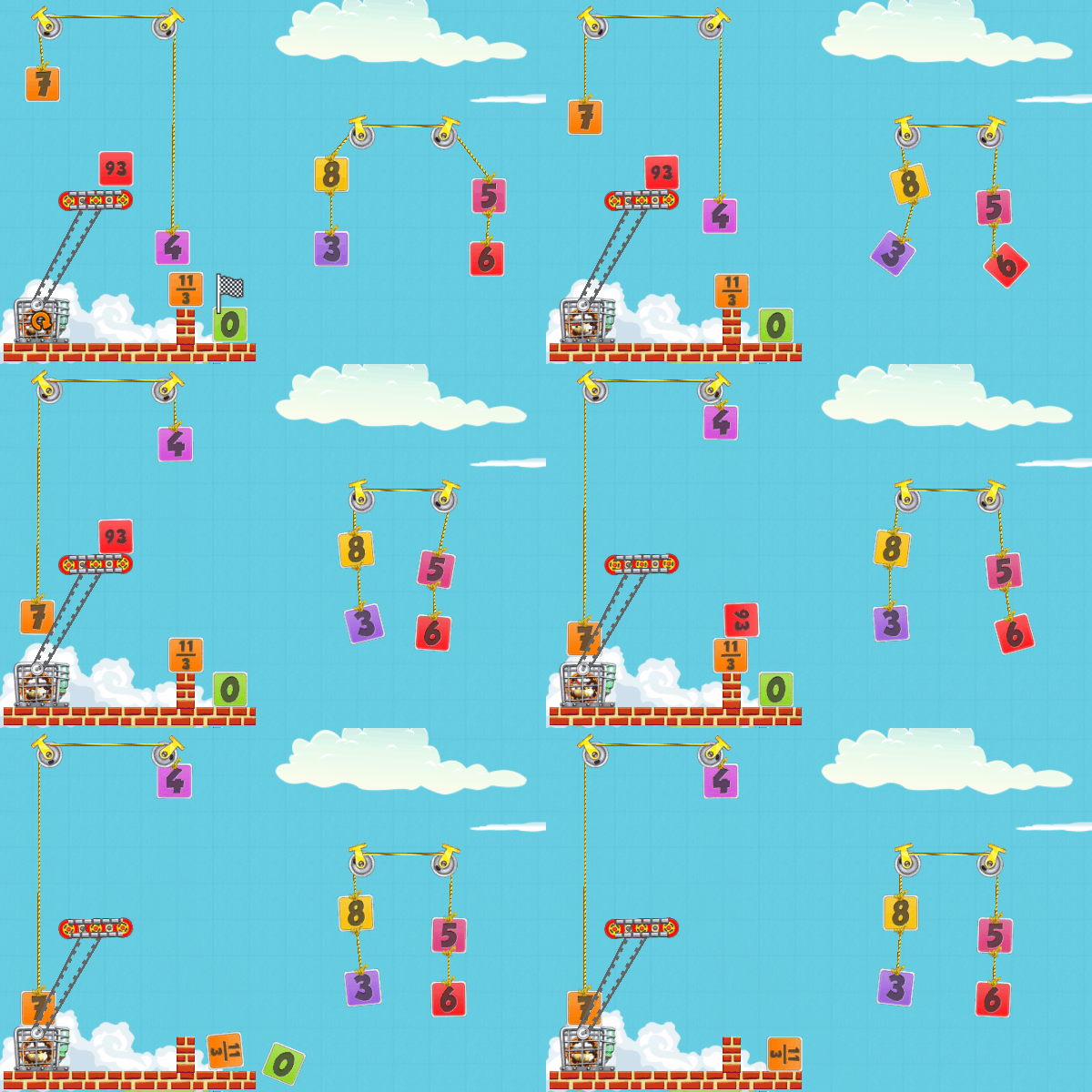
Next up will be working on the Number Blocks that have been close to complete for a few years now. I still need to create a set of puzzles that use them. I'm also working on another new unannounced game. I streamed some work on it to my Twitch channel a week or so ago.
Got some big weather here last night with lightning and heavy rain and tornado warnings 50 miles northwest of here. Nice here now, but bad weather east of here today/tonight. Hope everyone is safe.
Kevin
The direction and force of gravity can be set for each bomb and bomblet.
Next up will be working on the Number Blocks that have been close to complete for a few years now. I still need to create a set of puzzles that use them. I'm also working on another new unannounced game. I streamed some work on it to my Twitch channel a week or so ago.
Got some big weather here last night with lightning and heavy rain and tornado warnings 50 miles northwest of here. Nice here now, but bad weather east of here today/tonight. Hope everyone is safe.
Kevin I may stream myself working on finishing it in the next week or two.
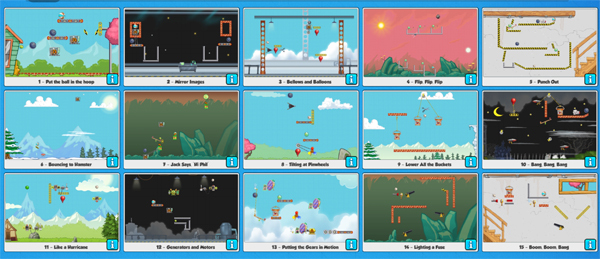
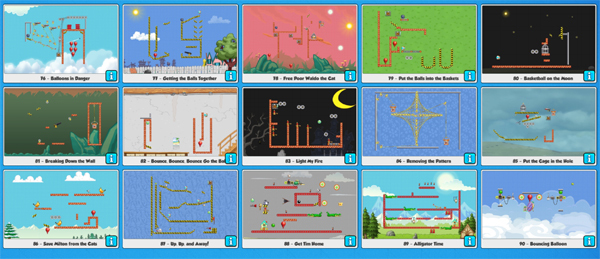
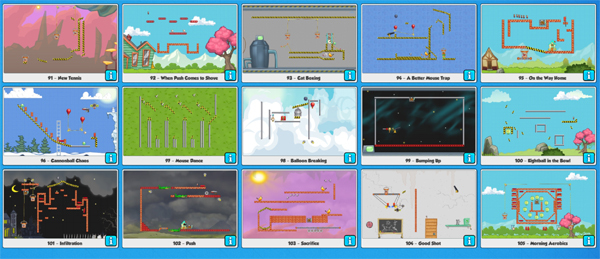
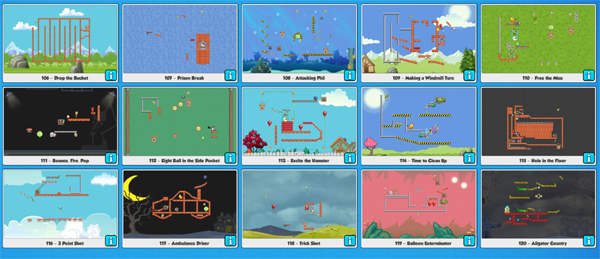
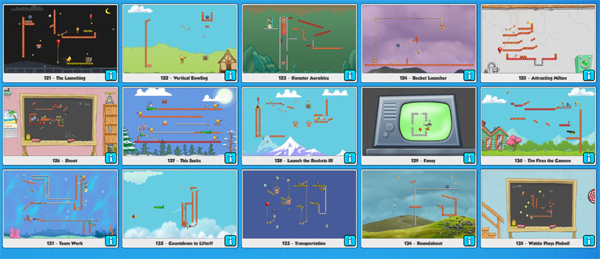
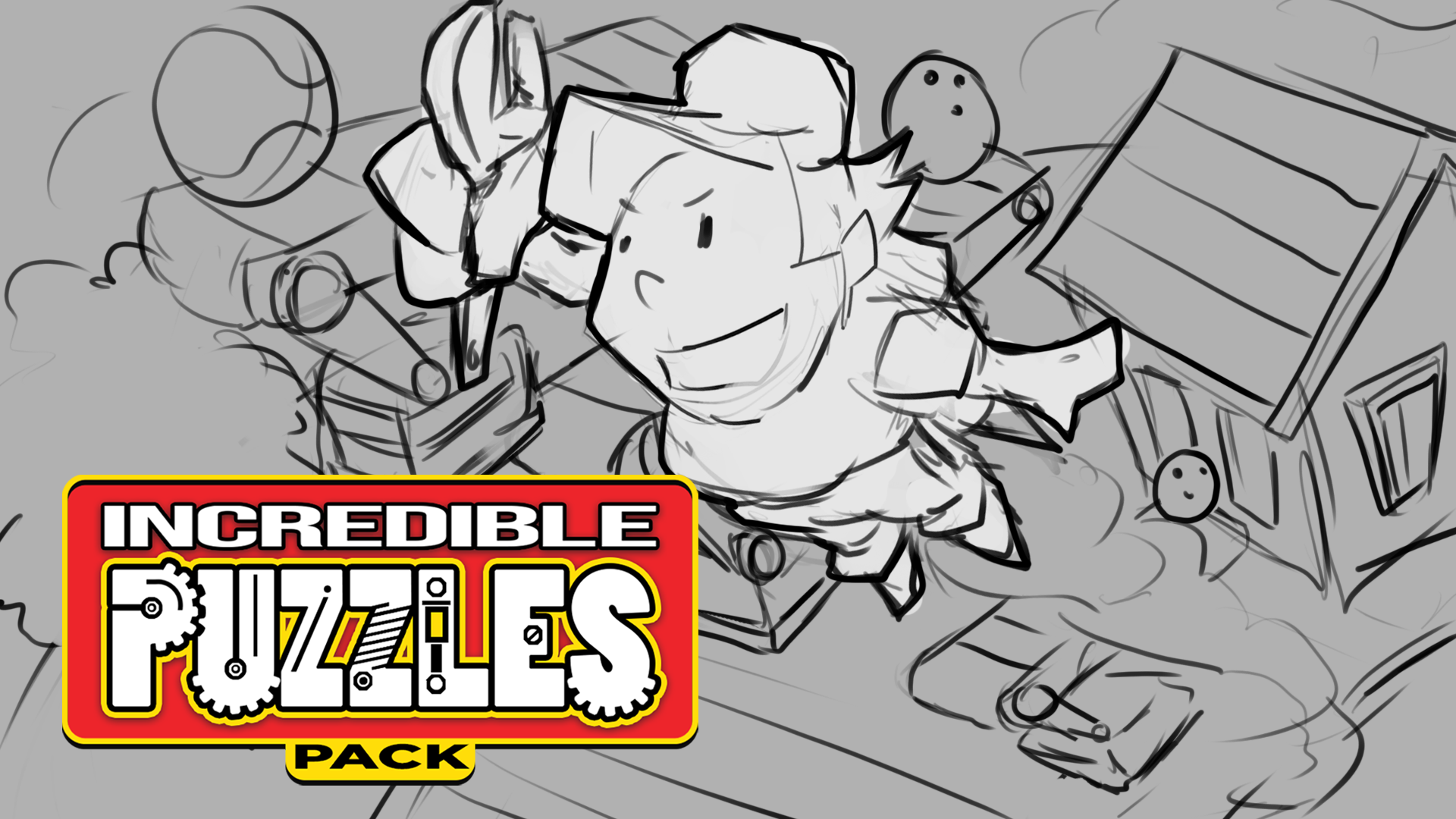
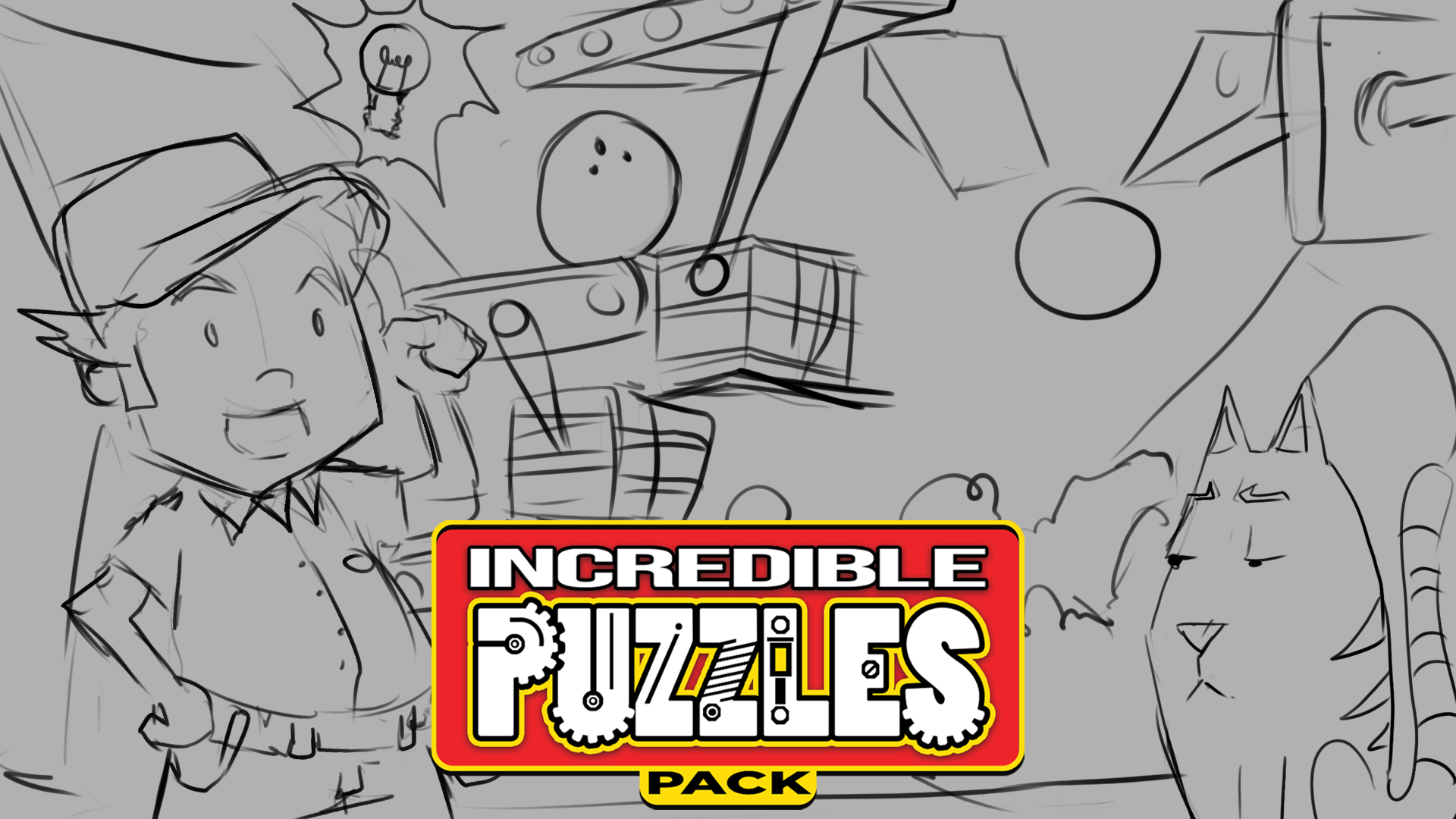
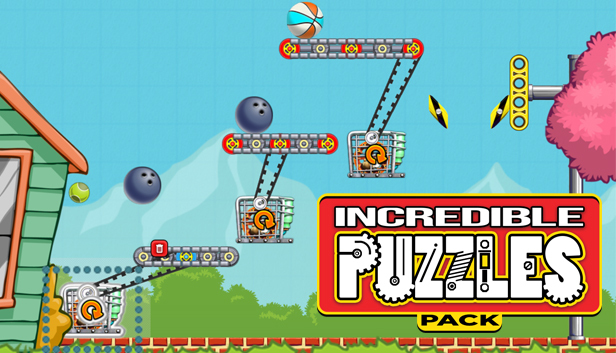
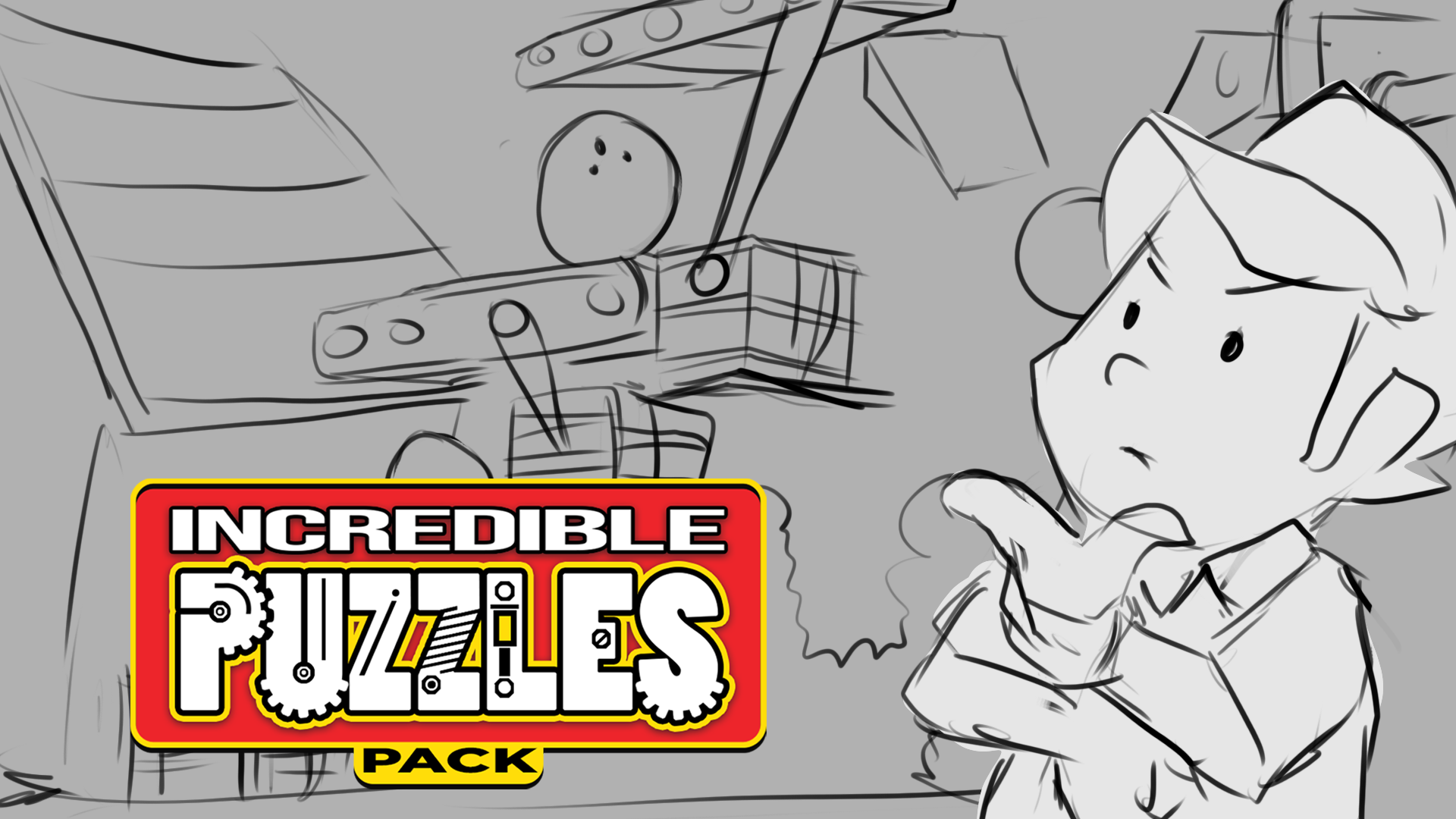 I went with the one with Toolman Tim and Waldo the cat. The version with Tim flying through the air makes me want to make a game called "The Adventures of Toolman Tim!"
https://store.steampowered.com/app/464480/Contraption_Maker__Incredible_Puzzles_Pack/
(Price will be $2.99)
I went with the one with Toolman Tim and Waldo the cat. The version with Tim flying through the air makes me want to make a game called "The Adventures of Toolman Tim!"
https://store.steampowered.com/app/464480/Contraption_Maker__Incredible_Puzzles_Pack/
(Price will be $2.99)