Greetings all! Over the last few months I’ve been making some great under-the-hood improvements to Flex, and I wanted to share the latest progress in this dev update. These changes will be coming in the next update to the app, which I’m hoping to wrap up by the end of July.
This dev post will “get into the weeds” a little which may not be interesting, so here is a brief TL:DR of the features planned for the next update:
- Character Plugin Rebuild: A ground-up rebuilt of the plugin I was using for character morphing & clothing attachment. This one took the bulk of the time, and unlocks some fun functionality I’ll go into more detail below.
- Unity Engine Update: With the clothing attachment plugin rebuild I’m finally able to upgrade to the latest version of Unity, which improves performance and compatibility with various devices.
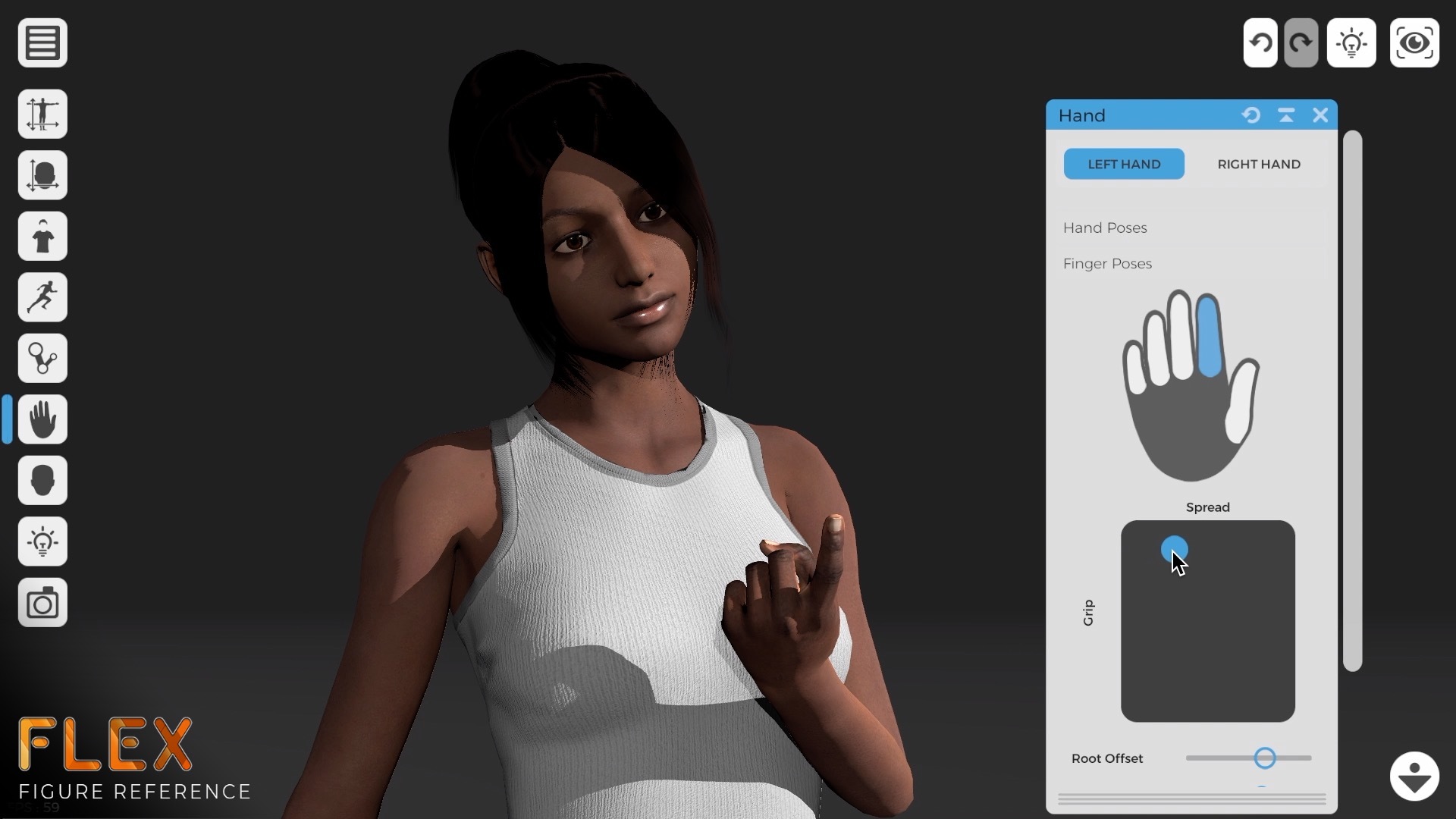
- Character Shading Improvement: Along with the engine update I was able to move to a new and improved shader set for character's skin and eyes. I’m pretty stoked with the results. Check out the comparison images below!
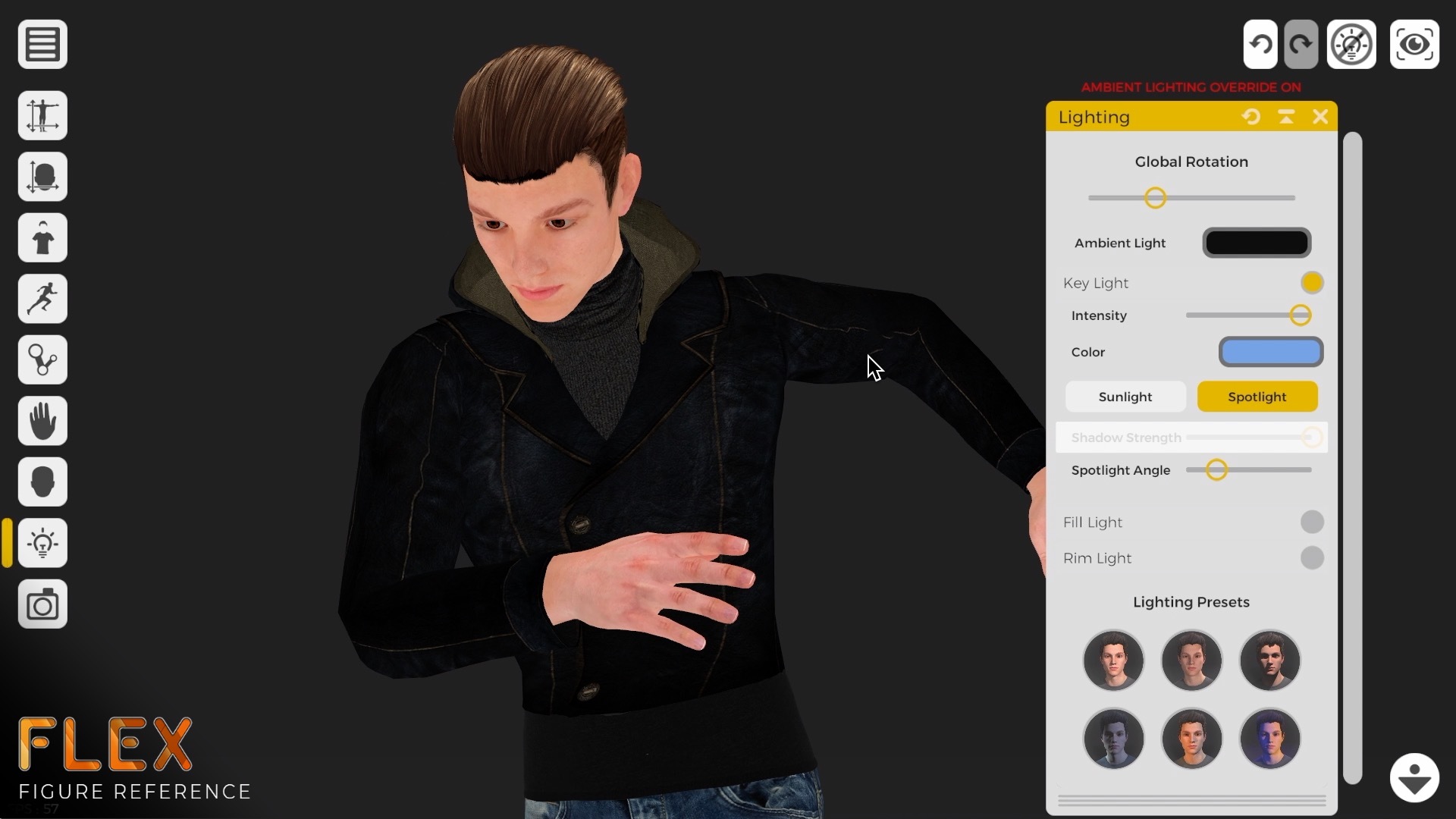
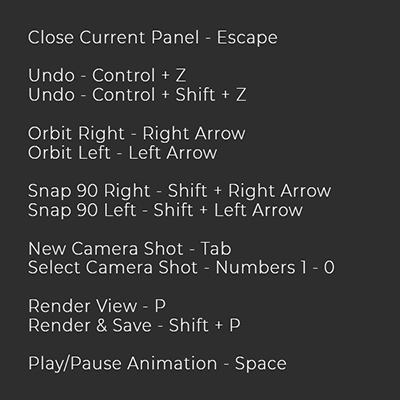
- Input System Overhaul: Better support for mouse, with rollover indication for interactable elements. Pose handles can also now be dragged without having to select them first, a small but very helpful change.
- (Mostly) Uncensored Characters: Along with an improvement to character texture resolutions I’ve added a toggle to remove the black modesty underwear.
So yeah, a pretty big update with some great improvements that support the longevity of Flex as it nears a full release.
If you’re dipping out here, thanks for reading, check for this update in coming weeks, and thanks for your support!
If you want some behind the scenes details… let’s dive in!
Character Plugin Rebuild
When I began work on Flex in 2017, of the key pieces of tech I used was the Morph character plugin & content library. I had been working with Daz3D and with the guys at Morph and was excited by their release of characters and content on the Unity asset store. Along with the library of game optimized 3D content, their plugin handled the morphing of the character body and face, as well as attachment of clothing pieces. However, as development of Flex progressed I was dismayed to learn that Morph was pulling their content from the asset store, and deprecating their plugin. Unity 2018 became the latest supported version, and I quickly realized that Flex would have an expiration date, unless I undertook the daunting task of rebuilding their character plugin.
After I released the Early Access build of Flex I began looking into what it would take to rebuild the technology that Morph had invested millions to develop. I didn’t have access to any of their source code, as it was wrapped up in a DLL. But I also didn’t 100% like how they did things, so I wanted a fresh take on the problem of character morphing and clothing attachment. At the start of 2021 I began in earnest rebuilding the functionality of the plugin.
So how hard could it be? When you modify a character’s body shape (for instance) the character mesh deforms using the specified blendshape (each mesh vertex has an position offset for each blendshape, which blends together all the other active blendshapes, lots of blending). This is a common method of morphing character's shape and built into basically all 3D game engines. The issue is that while the offsets are stored in memory, the calculation happens on the GPU, so data cannot be passed back to the game logic.
I needed to know those vertex offsets to handle the clothing deformation… or so I thought. Approaching the problem from another perspective led me to a different solution, baking the blendshapes into the clothing piece on attachment rather than trying to tie their vertex positions to the underlying mesh. This meant writing code that caches the vertex proximity for each vertex in the clothing mesh relative to the character mesh below. This process (unoptimized) takes about 30-45 seconds per clothing piece, so that data is pre-calculated and stored in the built app. But with those vertex proximities I can access the blend shape offsets of the base mesh and apply them to the clothing at runtime. Problem #1 solved!
With the clothing deforming along with the base mesh I was able to access all the body modification controls once again. However I still needed to solve animation, and the pesky problem of joint offsets. With the character in its normal form the animation works great, but as soon as you start deforming the character’s proportions (eg. leg length) the skeleton joints also need to move to their correct positions (eg. otherwise your knee joint bends around the mid-thigh). I needed to learn about bind poses, and character skinning to get the joints to move correctly without turning the character into a scary spider monster. Yeah…
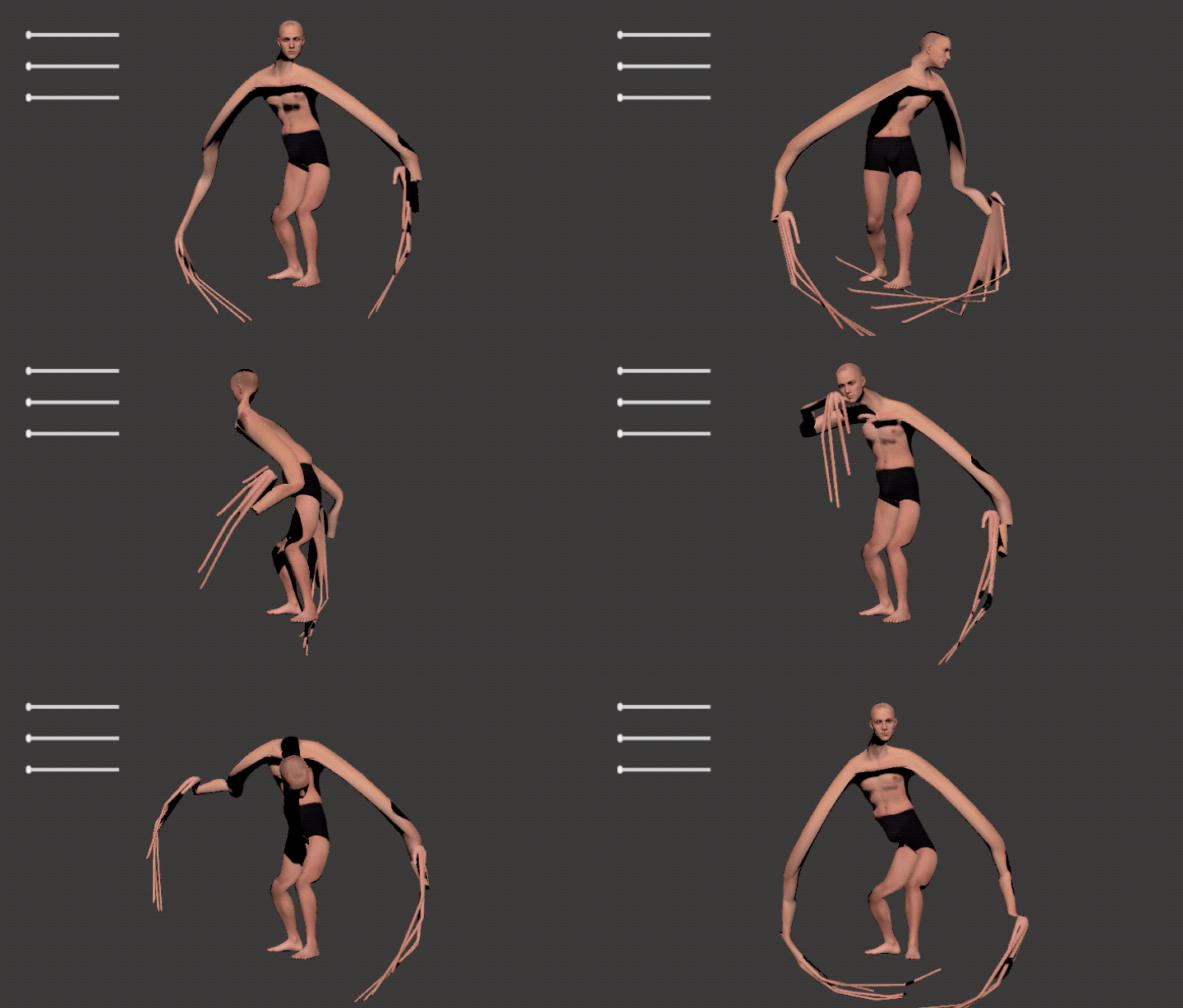
With those problems solved, most of the functionality was restored. There were a few more pieces, like rebuilding the alpha masking, and of course many corner-cases to find and solve. But was it worth it? Hell yes. There are some really great improvements and features I can now explore in Flex.
The biggest improvement is I have now updated to the latest greatest version of the Unity engine. This means I’m not worried about Flex just “not working” one day, I’ll be able to support it into the future. With the new Unity I get better and faster rendering and better hardware compatibility. Additionally, one small change which has a big impact: Unity 2018 failed to support blend shape normals, which meant the geometry moved, but the lighting didn’t really reflect that change. In the latest version of the engine that is now fixed:

Another massive gain by switching to my custom character plugin, is the ability to actually modify the character model and clothing! The old Morph plugin didn’t allow the customization of the model (it would break on re-import, probably due to changes in vertex order). Now I can take the model into Maya and change it as much as I want! Including building new blendshapes, and increasing the character mesh resolution. In this coming release I’ve sub-divided the character face, to give you an even high quality character when you customize the face or expressions.
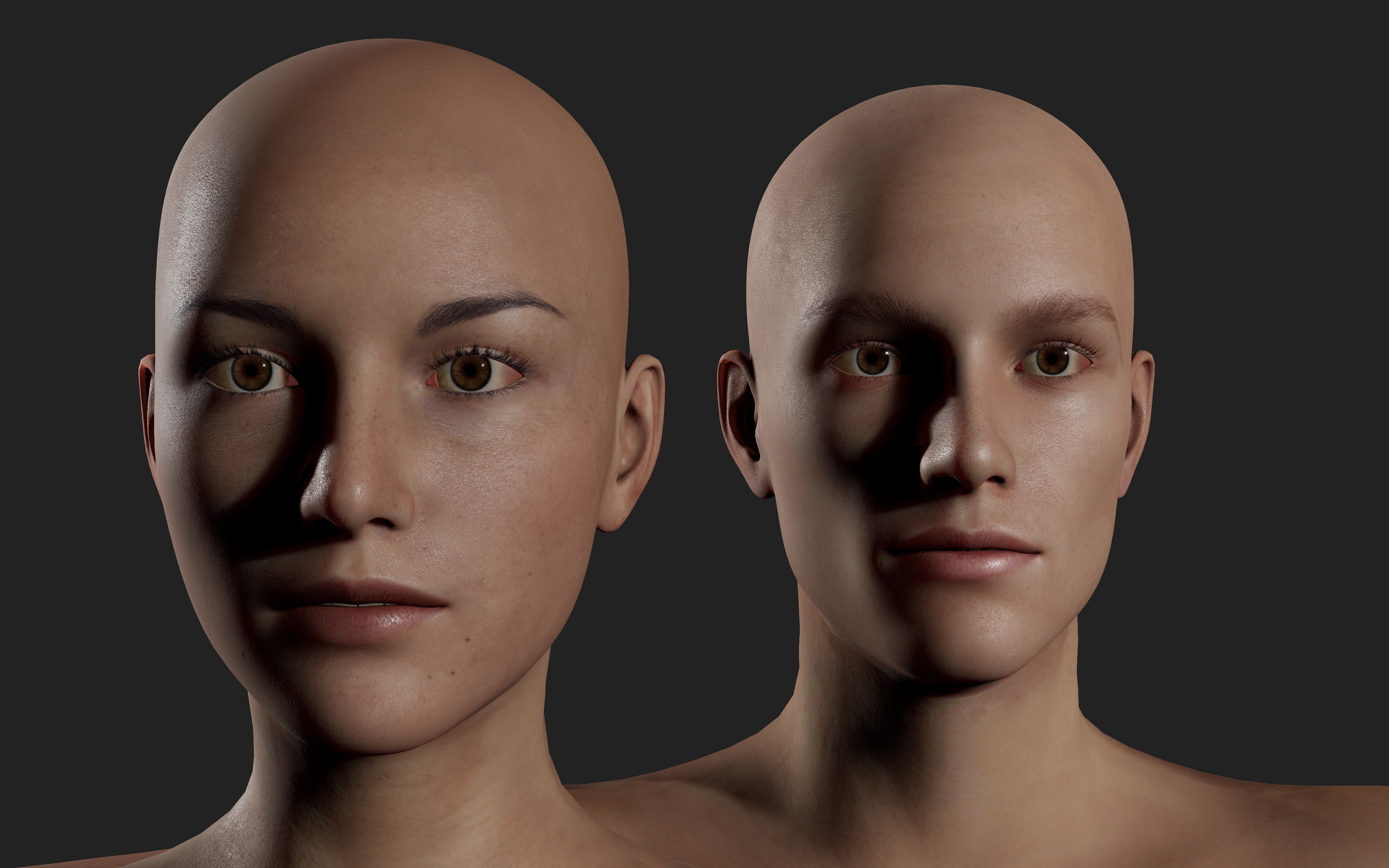
And a huge door has opened for including more clothing and hair content. I can now purchase items from the Daz3D store (with the interactive license of course), run them through my quick setup process, and include them in Flex.
Performance and memory footprint are also much improved. My custom setup is a fraction of the size on disk (because I’m not storing all the blend shape information for every clothing piece, just the vertex associations). Character loading is 2-3x faster, and the runtime memory footprint should be improved down the road (I have to build some memory management to take advantage of this).
So, this update has been many months in the making, but has been well worth the time investment. Most importantly I’ve given Flex the longevity to continue into the future, as well as improving quality and unlocking new features.
Character Shader Update
When I first looked at moving to the latest version of Unity I was excited by the possibility of leveraging Unity’s new HDRP pipeline. I did some side-by-side comparisons of different shading options, but in the end I didn’t feel the tradeoffs were worth it when compared to the standard render pipeline. The HDRP pipeline provides improved support for subsurface scattering (SSS) and better quality shadows, but at the expense of performance and locking Flex to the desktop platform. HDRP may be something I explore in the future, but I didn’t feel confident in moving Flex over just yet.
Instead I found a really nice skin shader package that improves the quality of the skin and eyes, and also handles SSS. I’m still tweaking the shader settings, and adjusting the texture maps to take advantage of the capability, but the results I’m seeing are pretty impressive. Along with this is proper ACES tone-mapping, which can be toggled on/off.

A big improvement is to the eye shading, which I’m in love with. Along with the new shader there are several new high res eye textures, and a white one that can be tinted to a color of your choosing.

Sadly things are still in-progress is the hair shading. I’m currently in R&D for a better solution for both the shading and dynamics for hair. Ultimately I want a hair shader that performs better, offers customization. Additionally I want some physics simulation on the hair (as well as for loose clothing) but this will be an update down the road. So for now the hair remains a little realistic, but I’m going to be focusing on improvements soon!
So with all these changes (especially to the character plugin) I’ve effectively taken a hatchet to a large chunk of Flex. I’m planning on spending the coming weeks finding and fixing bugs and making sure there is good backwards compatibility for previously saved characters. I’ve been slogging through the last couple of months working on the new features and am excited to release them to you all later this month!
Thanks for all your support (and reading through my dev blog ramblings!), keep a look out for the next update to Flex coming late July.

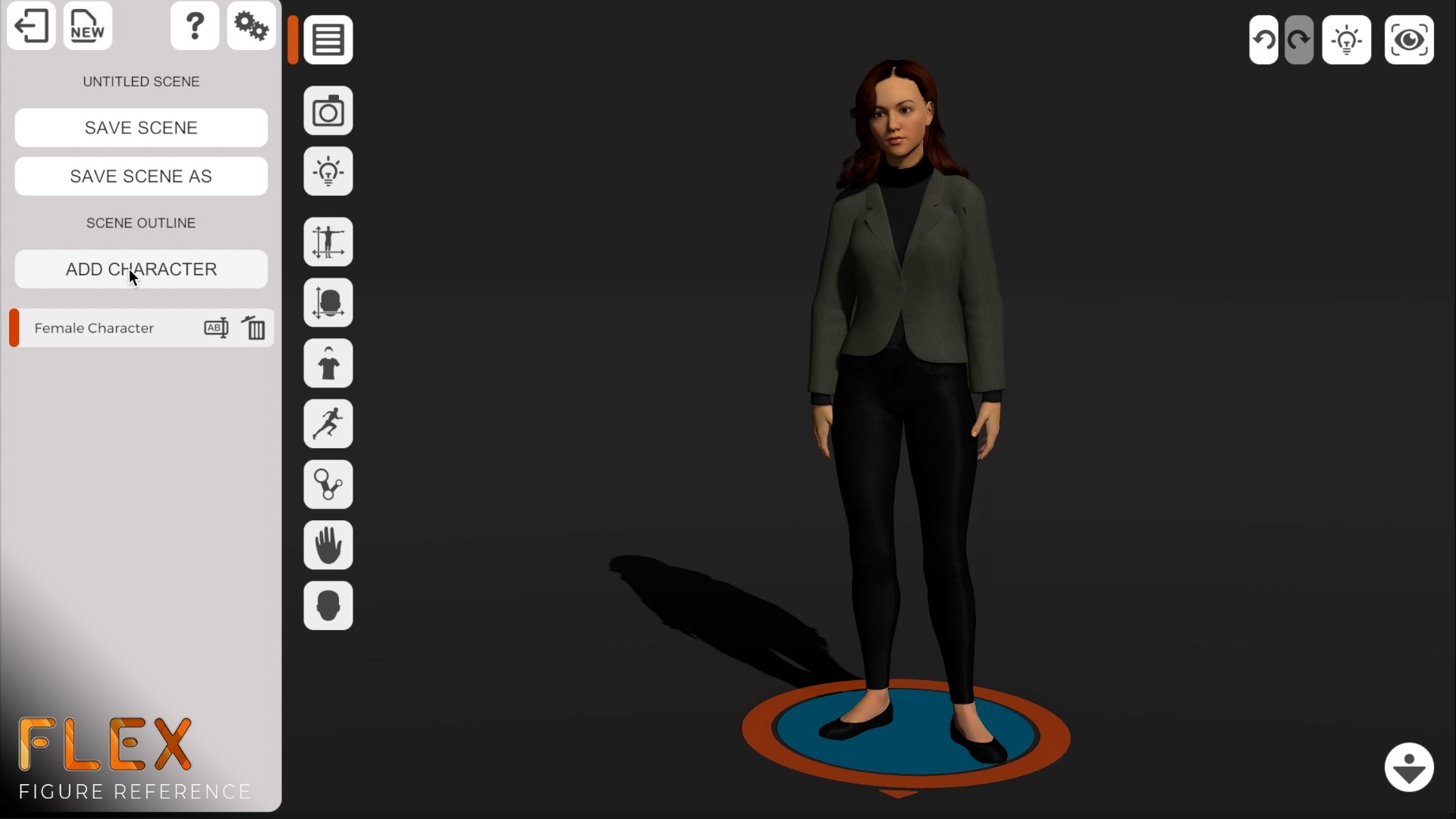
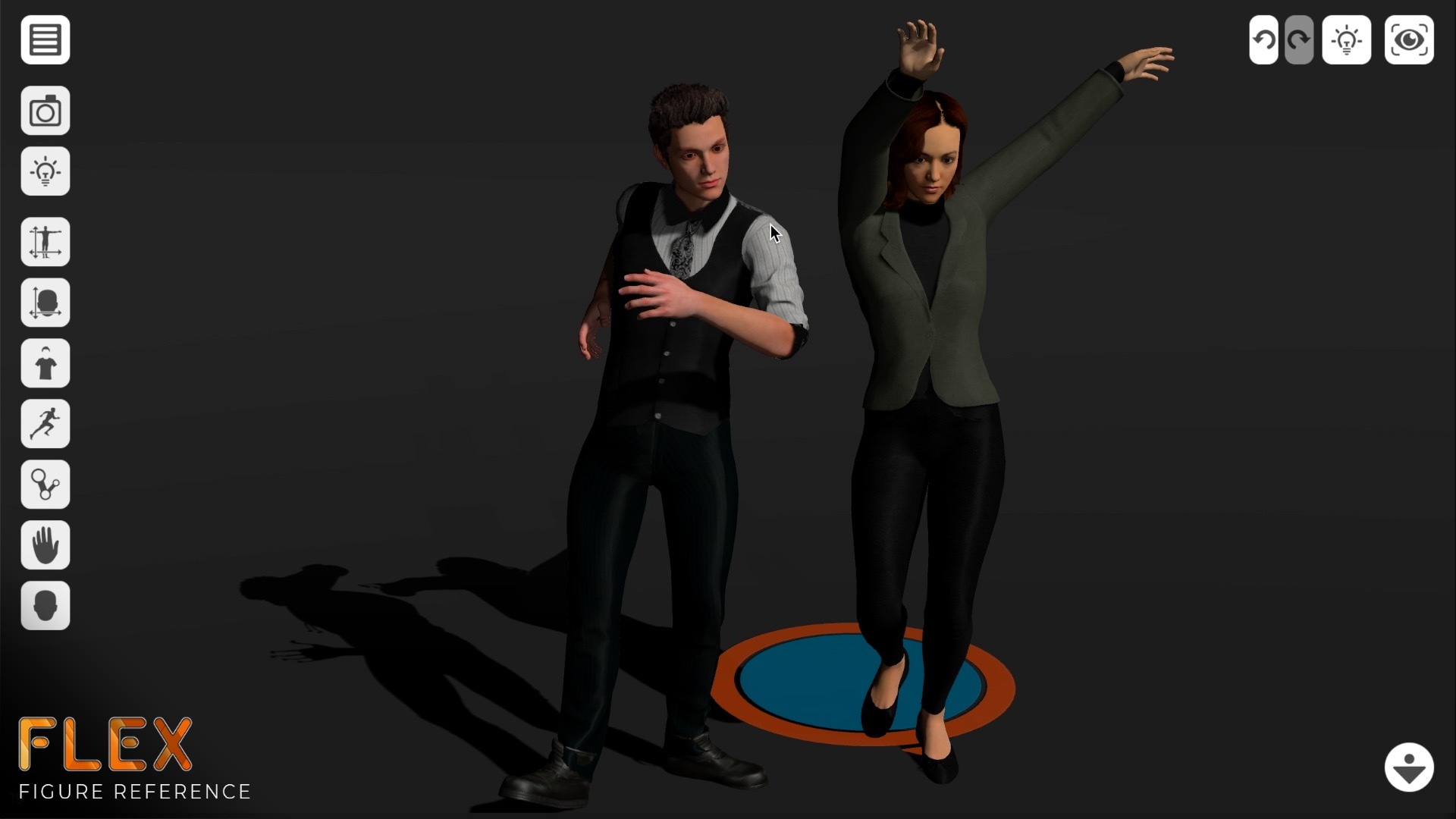


 Finally, I’ve put in some nifty tools for cinematographers who want to use Flex as a storyboard tool. I have some friends in film that were requesting some framing guides (rule of thirds, etc) and letterboxing to different aspect ratios (emulating wide screen, etc). https://imgur.com/0TwG4j1
So, to wrap up, progress is good! I’ll be out of town for a much needed break over the holidays. If you run into any issues let me know and I’ll be able to look into fixes when I get back in town.
As always, thanks for all your comments and support. I’m really looking forward to seeing what you all make with this next build of Flex!
Finally, I’ve put in some nifty tools for cinematographers who want to use Flex as a storyboard tool. I have some friends in film that were requesting some framing guides (rule of thirds, etc) and letterboxing to different aspect ratios (emulating wide screen, etc). https://imgur.com/0TwG4j1
So, to wrap up, progress is good! I’ll be out of town for a much needed break over the holidays. If you run into any issues let me know and I’ll be able to look into fixes when I get back in town.
As always, thanks for all your comments and support. I’m really looking forward to seeing what you all make with this next build of Flex!