Hello artists, devs, and all the rest of you!
It has been a busy 3 months since the last time I posted news but I assure you that it was worth the wait. Let's get right into it!
New 2D Render Modes
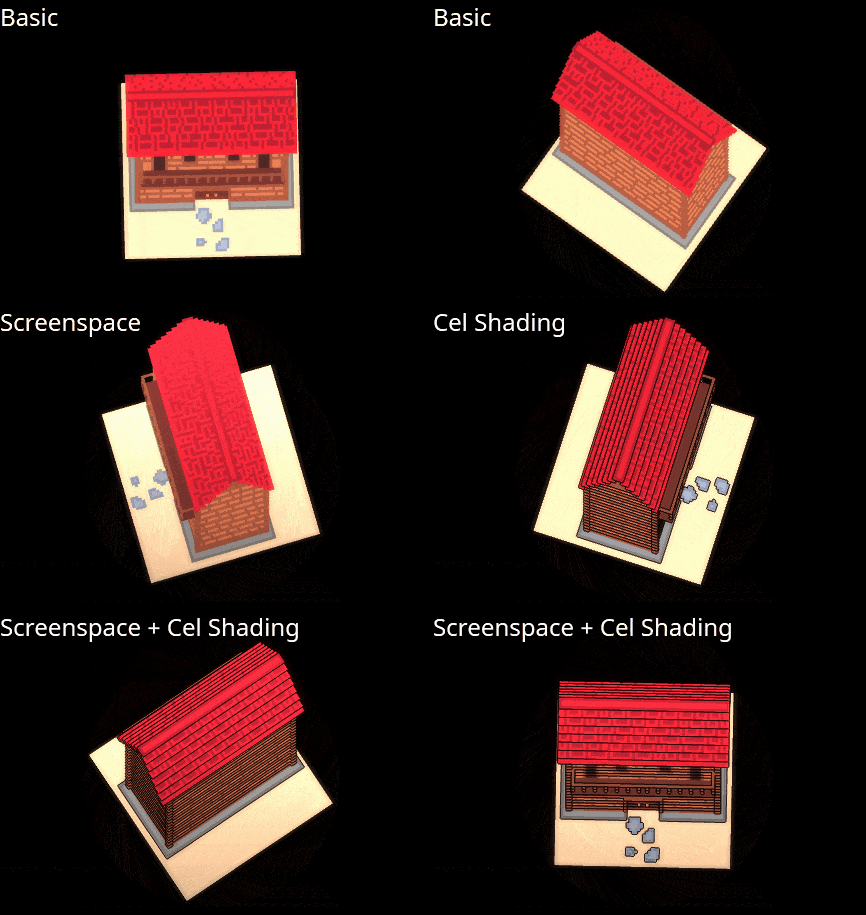
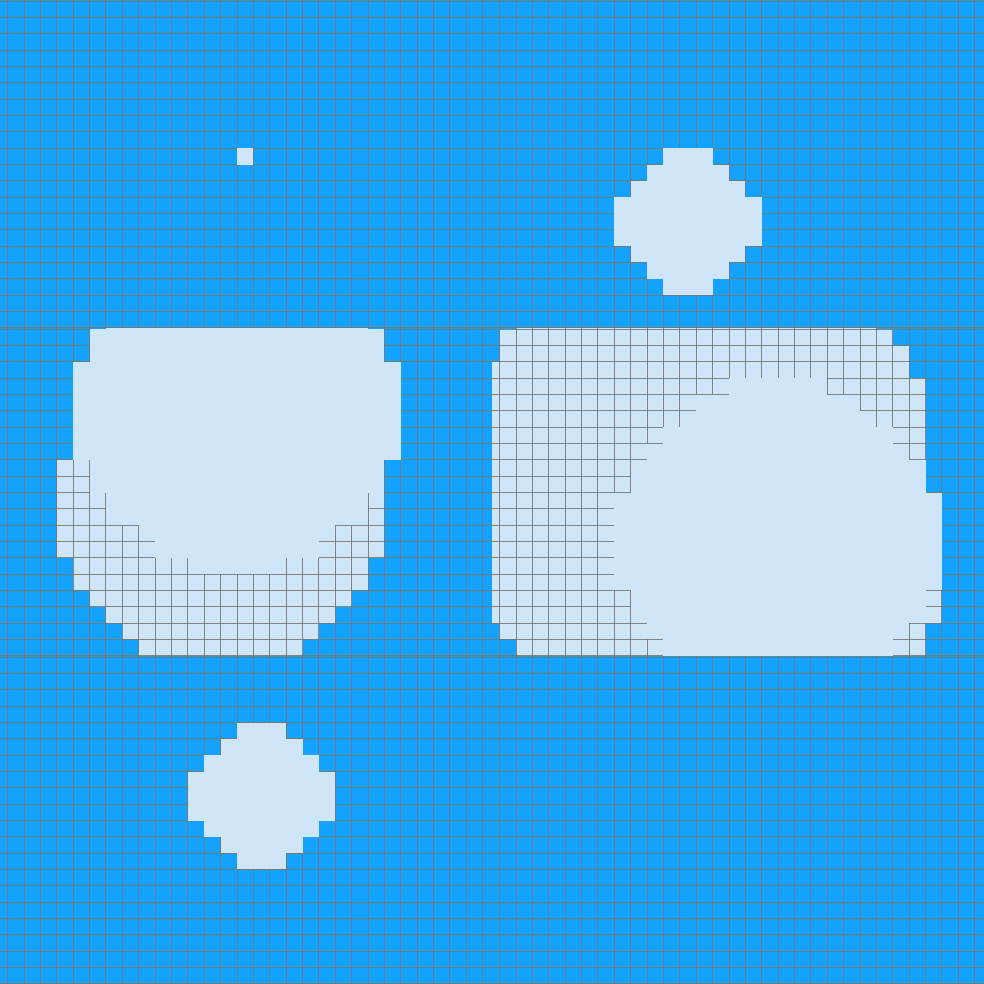
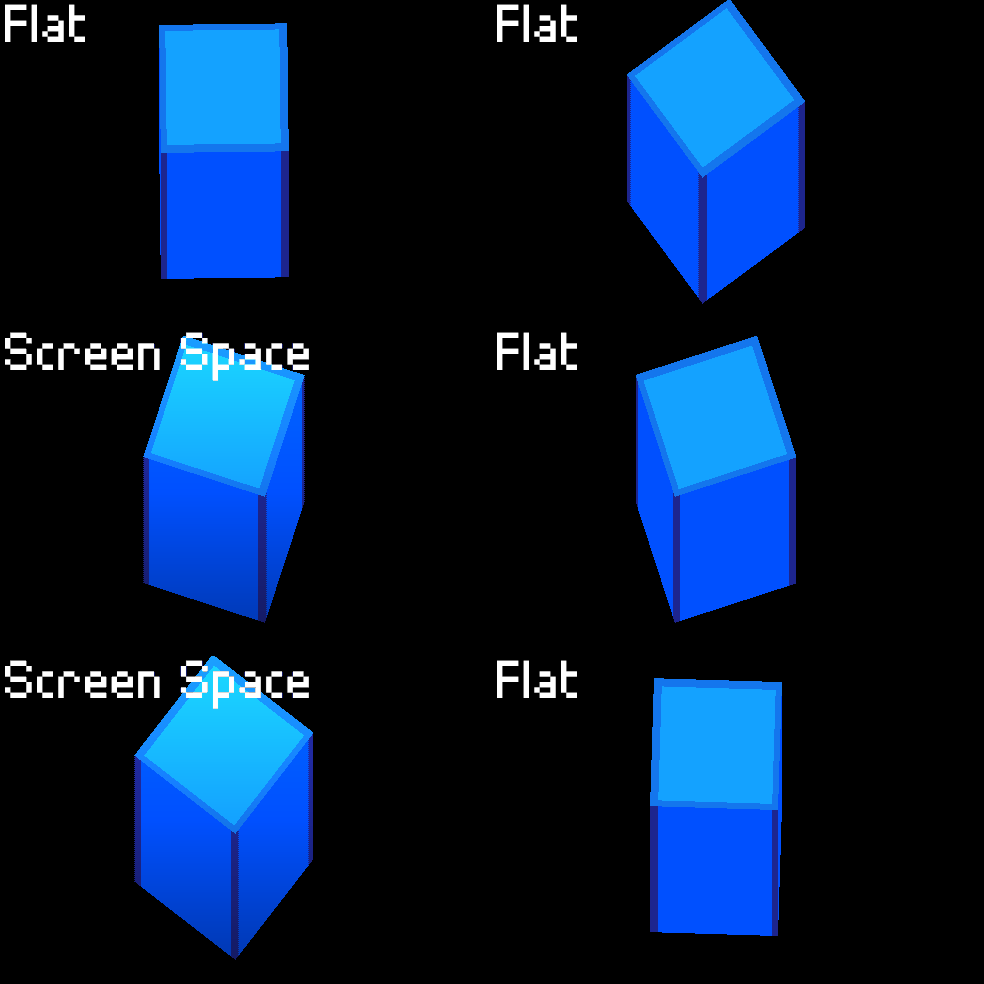
A major struggle with sprite stacking is the lack of depth perception. Thanks to Cel Shading we no longer have to live in the stone age.
New 3D Rendering
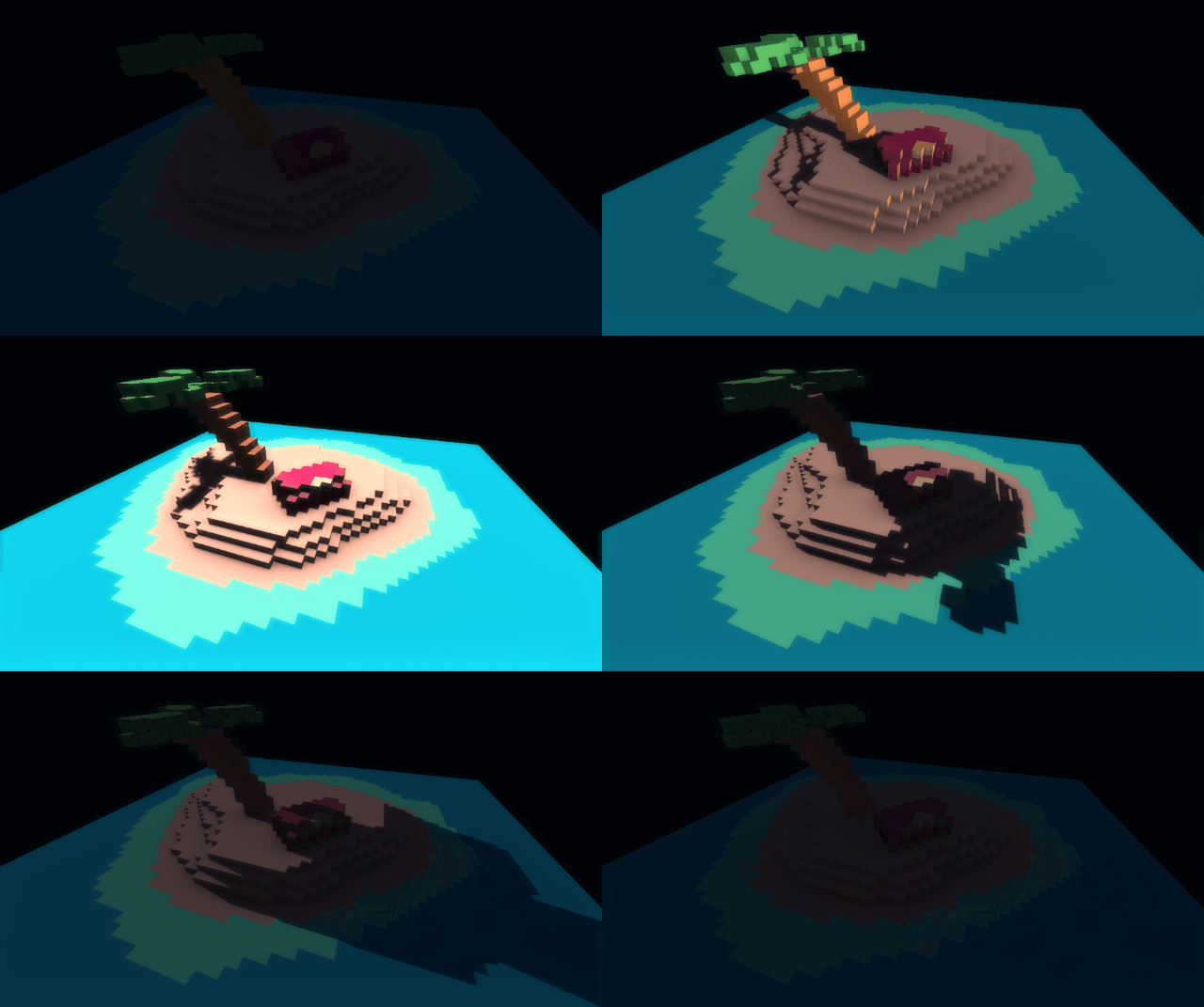
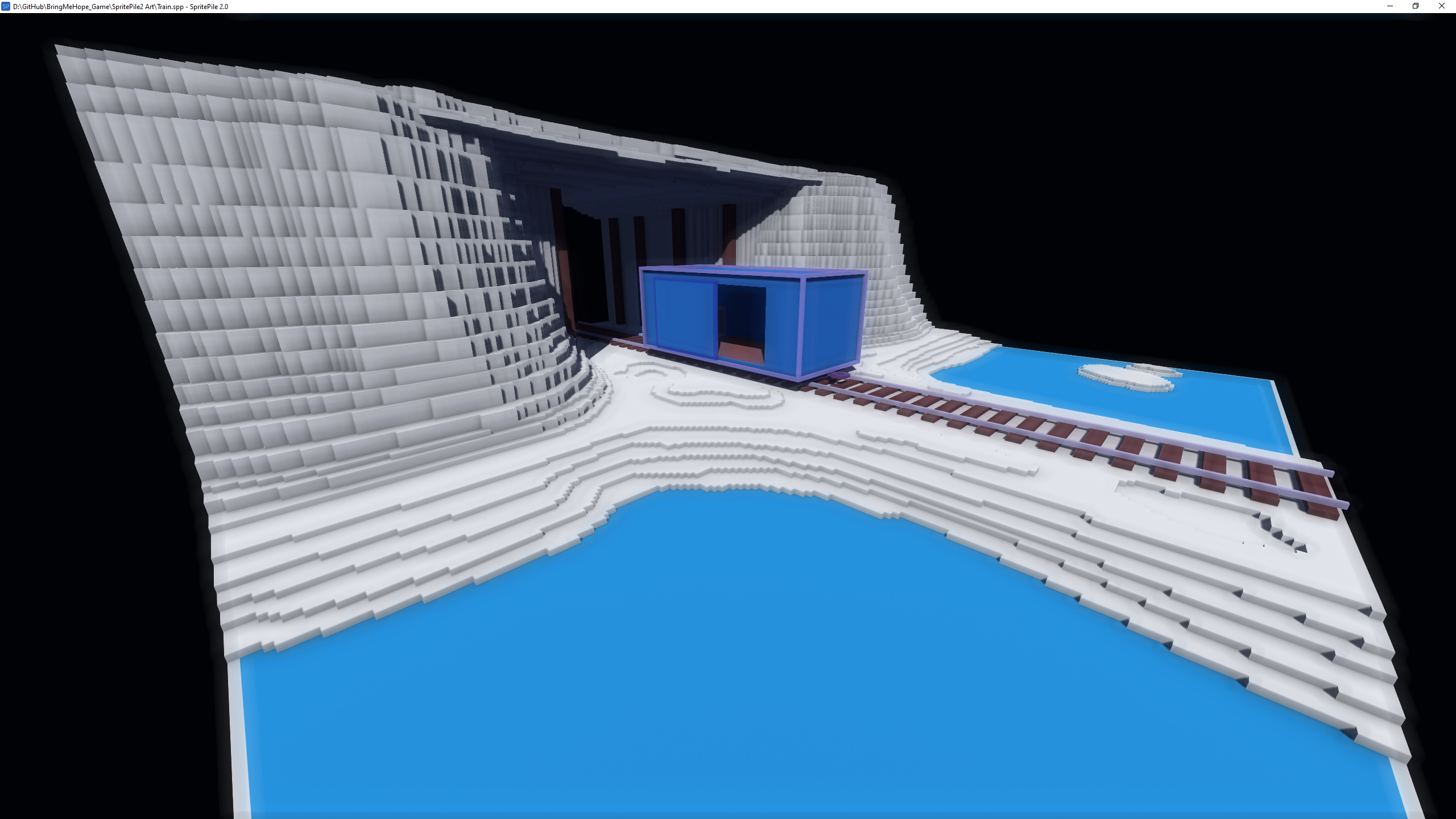
Tired of your beautiful art looking flat and bland? Well now you can turn any scene into a master piece thanks to shadow maps and SSAO. I'm not a graphics programmer but fortunately for us we have
Xor, and wow did he deliver!
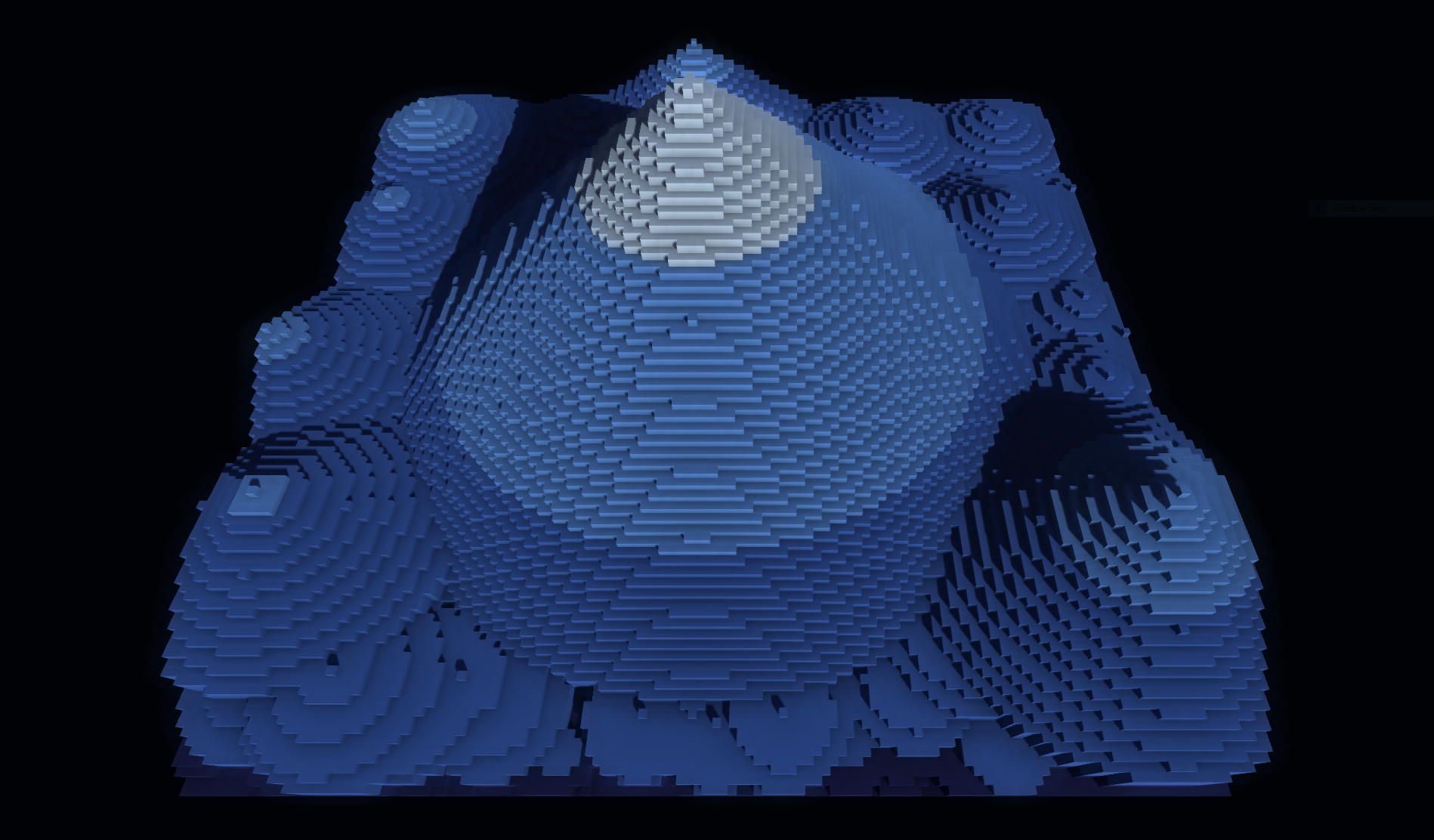
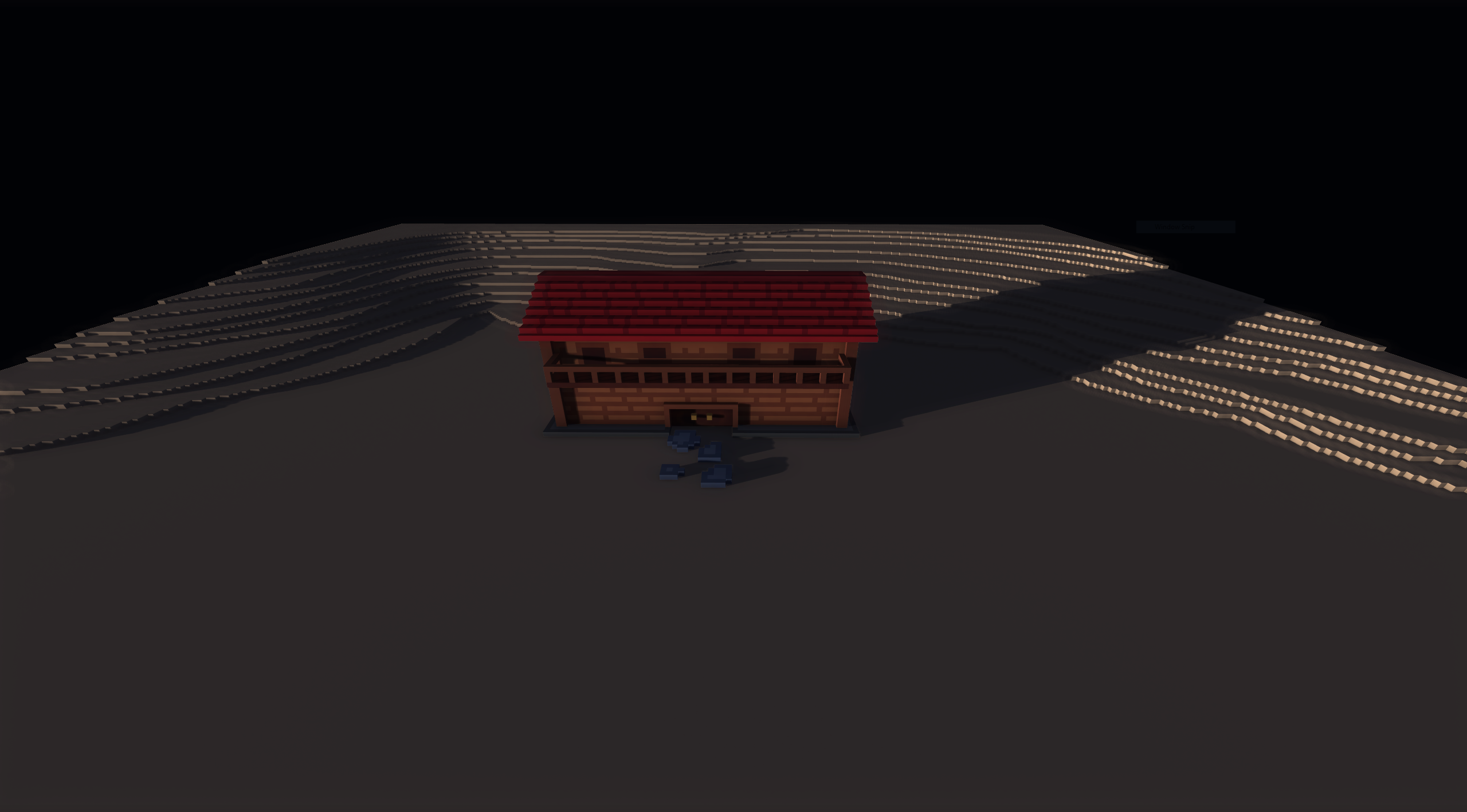 You can rotate/angle the sun to create the perfect screenshot!
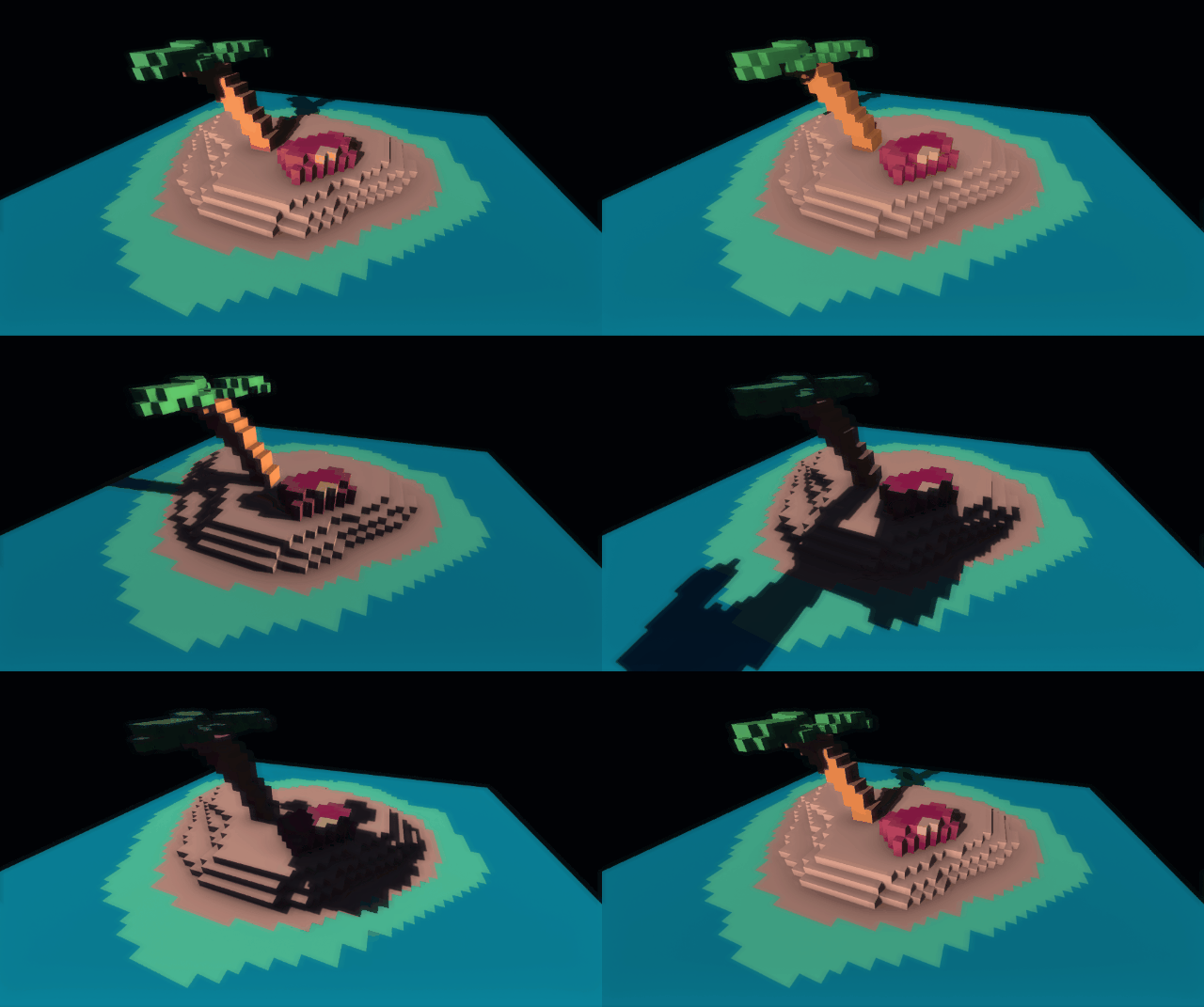
OBJ Exports
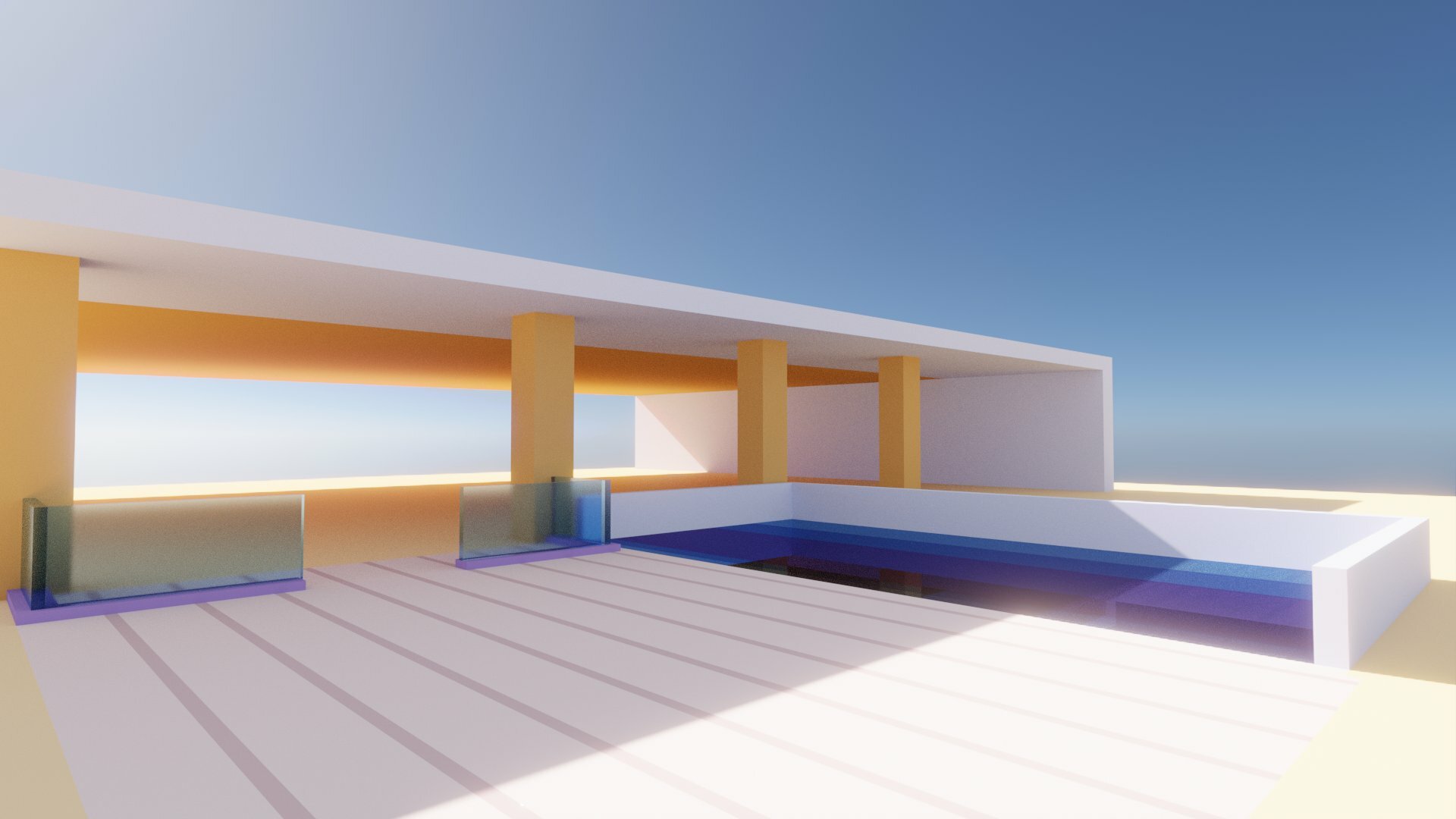
I promised this feature and dared to say that it would include proper culling, remove intersecting faces, and be perfectly optimized out of the box... Well I did what I set out to do. Here's a scene exported into Blender via OBJ format. Of course I touched it up a bit.
Rotation
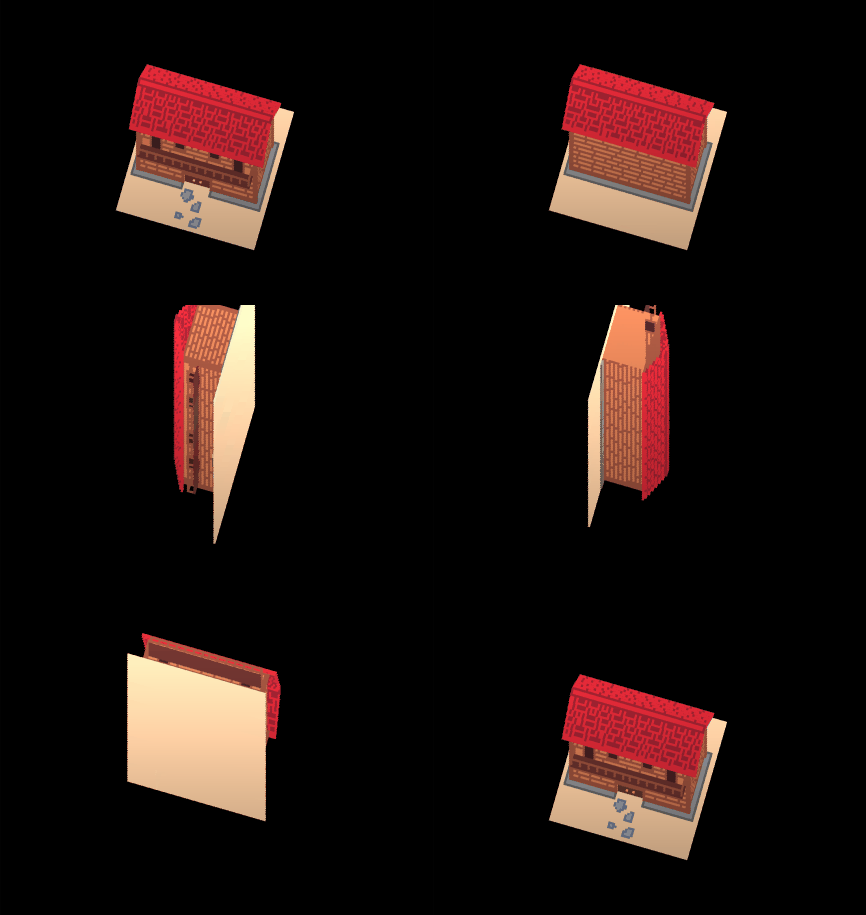
This was a heavily requested feature. You can now rotate/roll your sprite stack.
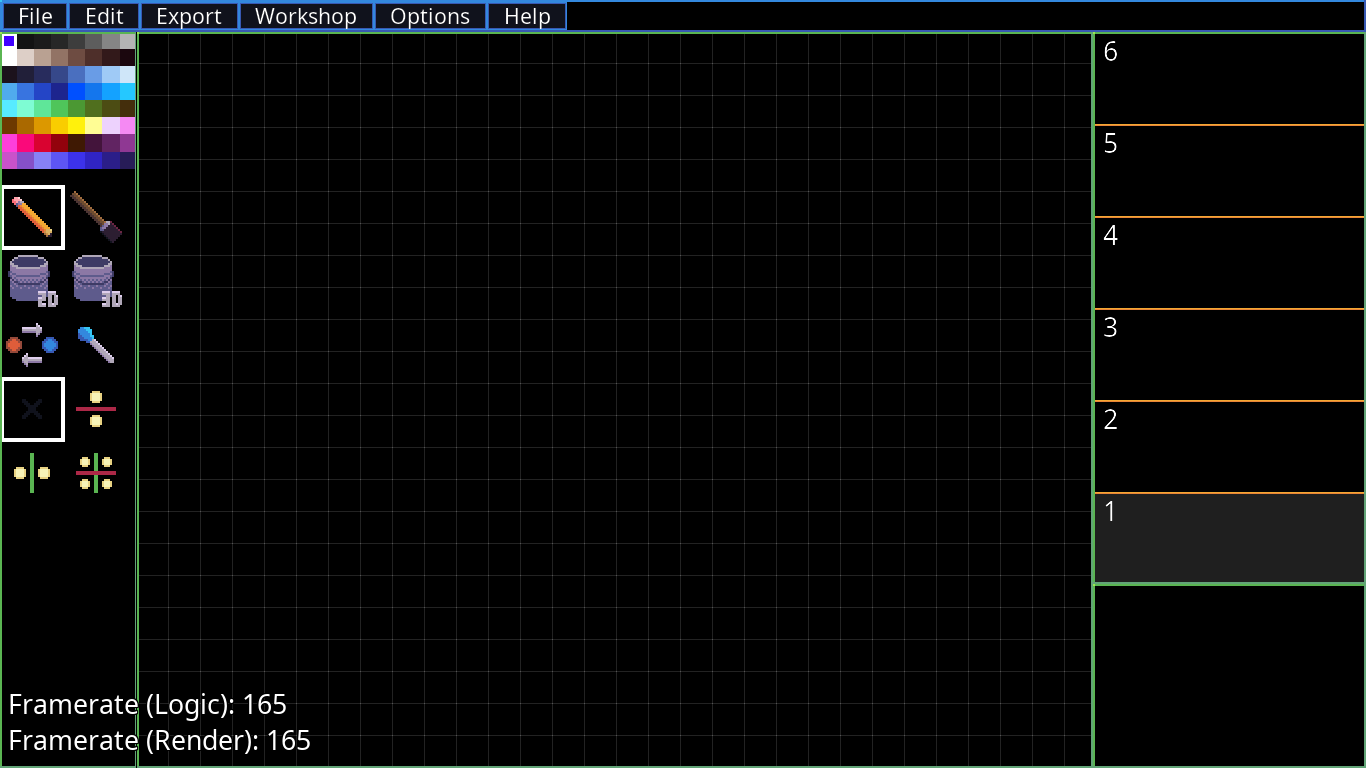
Edit/Load/Save Color Palettes
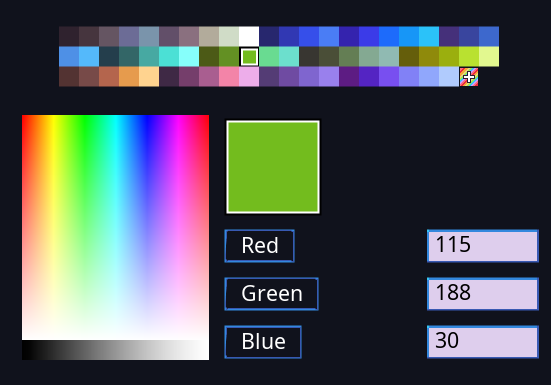
Editing your color palette was not easy in SpritePile 1.0 but in 2.0, you can build your color palette within the tool itself. I'd like to add hex codes to this but they are a bit wonky at the moment.
Full Documentation
It has bothered me since the beginning of SpritePile's development and I've finally addressed it.
Click Here to view the documentation (but please note that it's not finished and many pages are subject to change).
Frequently Asked Questions
I've received a lot of similar questions over the past few months and I'd like to list them out here.
Question: Will SpritePile 2.0 be a free update or a completely new product?
Answer:
It will be a completely new product that you'll find on a separate Steam store page.
Question: How much will SpritePile 2.0 cost?
Answer:
I haven't landed on a number just yet. I'm leaning towards $20 to keep it accessible.
Question: Will you continue updates for SpritePile 1.0?
Answer:
SpritePile 1.0 is provided as is and I will not be returning to it.
Question: Do you plan on supporting SpritePile 2.0 after its release?
Answer:
My goal is to provide a fully featured, complete tool. The day one release should be free of bugs and work as intended. However if there are issues or highly requested features, I will provide free updates. This is the last sprite stacking tool I will be developing.
Play Testing & Feedback
I'm looking for play testers to give the new tool a try. If you're interested please reach out to me either through Steam or Twitter!
The next post you see from me should include a link to the store page for SpritePile 2.0.
Thanks for the support as always!
You can find me on Twitter!
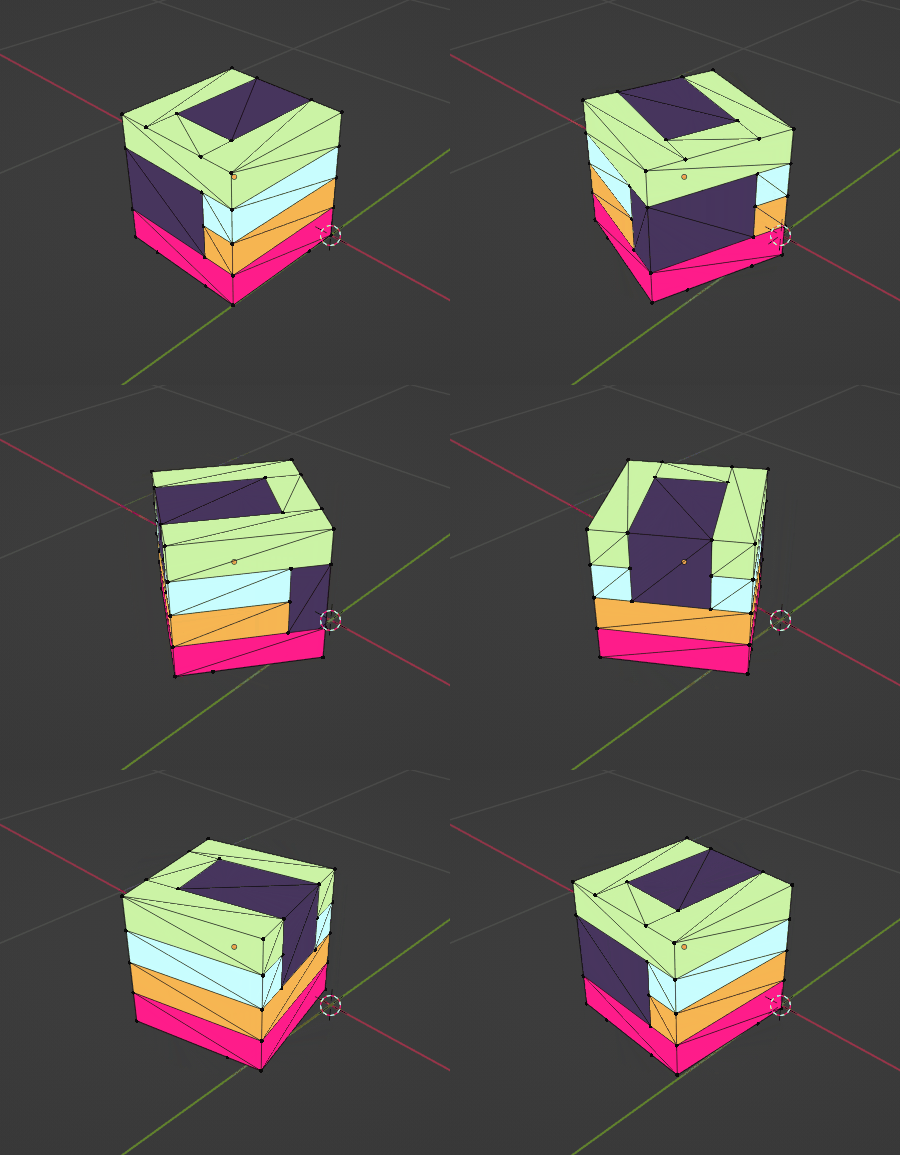
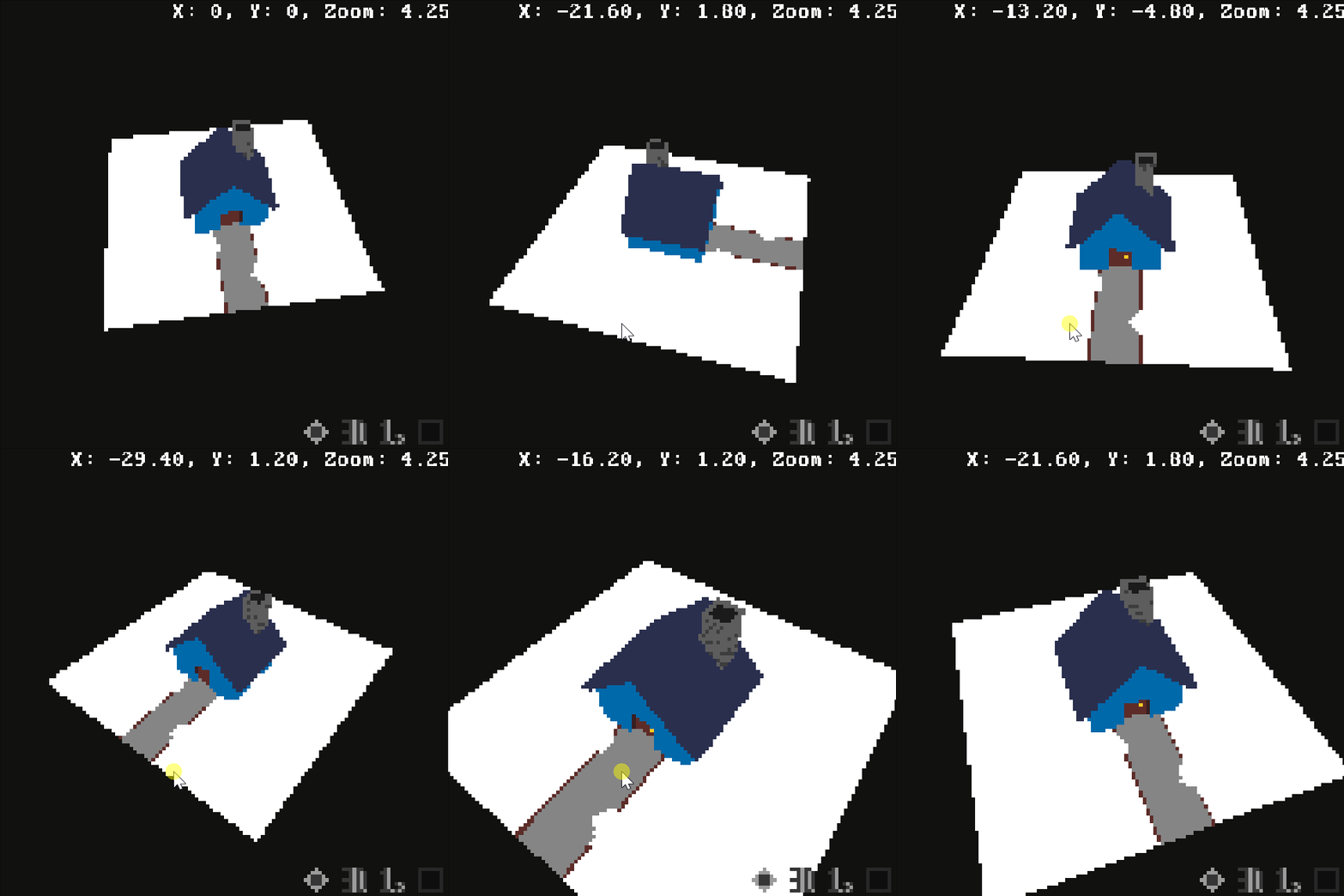
 This next one wasn't easy but I wanted to include a similar rotation option for the 3D view that the 2D view mode provides.
 I'll be back soon with more hopefully! It seems to me that most people are happy with the tool as is but I know that it's always exciting when your tools add additional features.
 Thanks for the support as always!
You can find me on
Thanks for the support as always!
You can find me on  Thanks for the support as always!
You can find me on
Thanks for the support as always!
You can find me on  Notifications
Have you perhaps saved your project but felt unsure whether or not the project actually saved? Maybe you pressed Undo but weren't sure it worked. Well now you can always be sure.
Notifications
Have you perhaps saved your project but felt unsure whether or not the project actually saved? Maybe you pressed Undo but weren't sure it worked. Well now you can always be sure.
 Hotfixes
Throughout the week I push small updates to address bugs and add minor features. I don't always write patch notes for it so if you see features that already exist in the tool within the changelog, it's because it was hotfixed during the week.
Want to see that face from earlier? I finished it up real quick just for this update.
Hotfixes
Throughout the week I push small updates to address bugs and add minor features. I don't always write patch notes for it so if you see features that already exist in the tool within the changelog, it's because it was hotfixed during the week.
Want to see that face from earlier? I finished it up real quick just for this update.
 Changelog
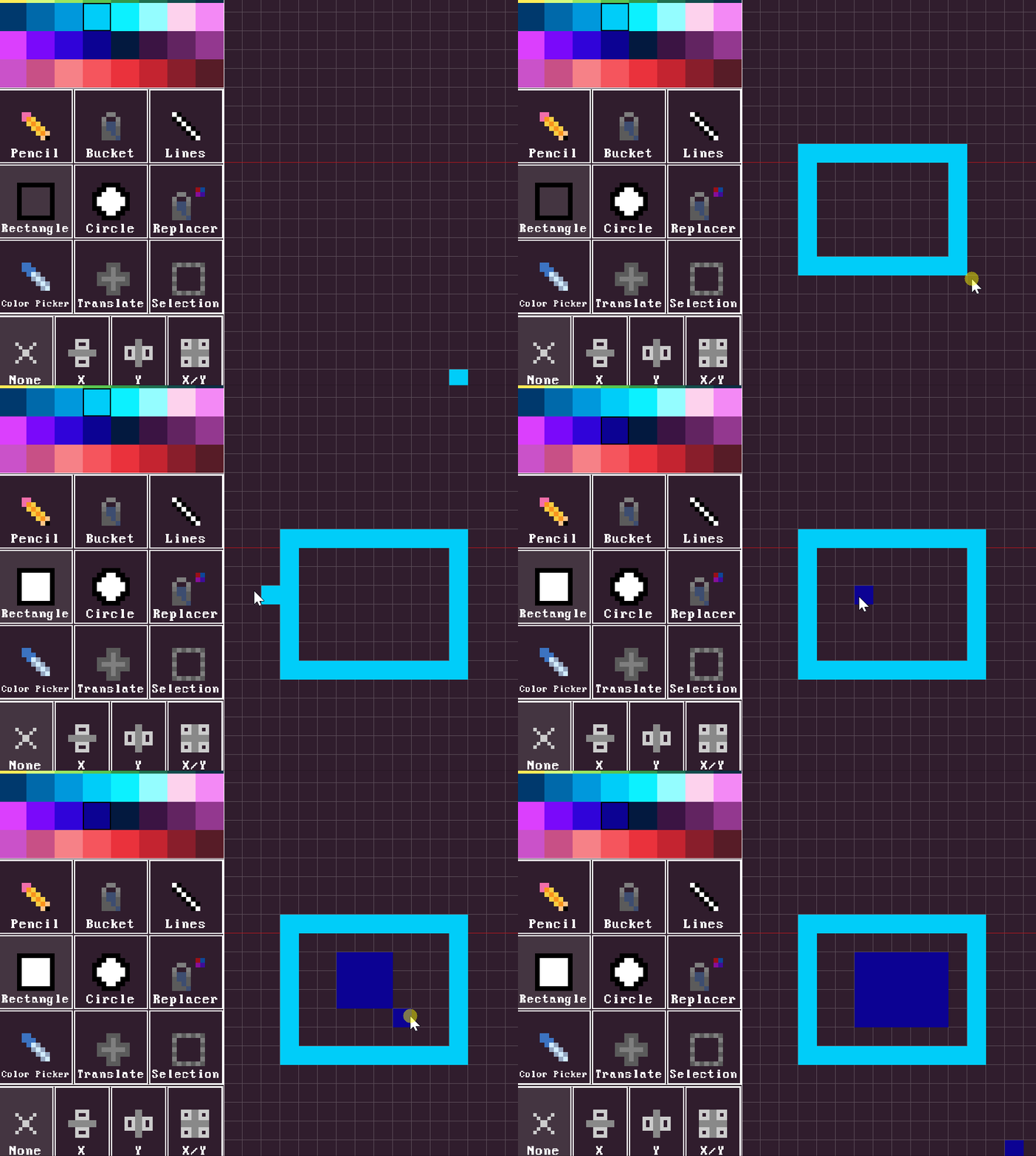
 Delete Selection
In hindsight this should have been included with the addition of the Selection tool but better late than never!
Delete Selection
In hindsight this should have been included with the addition of the Selection tool but better late than never!
 Changelog
 Alongside that another user pointed out that it seemed as though everything was stretched vertically in the 3D view. Turns out it was stretched! By about 1.5x due to me being a dingus. That has been fixed and so 3D rendering is now a 100% accurate representation of how your sprite stack would look in 3D.
I'm considering providing more options such as modifying the FOV and preset camera positions you can jump to or even save your own. One feature that is already implemented (in the developer build) but will need a bit more work is saving your 3D view to a *.png. This is only a useful feature if you can store the camera position for future rendering as well and so it is being delayed until I implement that.
With help from the community I'm also trying to expand our translations to French and Spanish which may or may not be available soon. I can't make any promises about translations at the moment but I can say that they are being worked on.
Alongside that another user pointed out that it seemed as though everything was stretched vertically in the 3D view. Turns out it was stretched! By about 1.5x due to me being a dingus. That has been fixed and so 3D rendering is now a 100% accurate representation of how your sprite stack would look in 3D.
I'm considering providing more options such as modifying the FOV and preset camera positions you can jump to or even save your own. One feature that is already implemented (in the developer build) but will need a bit more work is saving your 3D view to a *.png. This is only a useful feature if you can store the camera position for future rendering as well and so it is being delayed until I implement that.
With help from the community I'm also trying to expand our translations to French and Spanish which may or may not be available soon. I can't make any promises about translations at the moment but I can say that they are being worked on. Changelog
 Import your master piece
 Realize you now have an even greater master piece
 If you have any requests for features don't hesitate to ask!