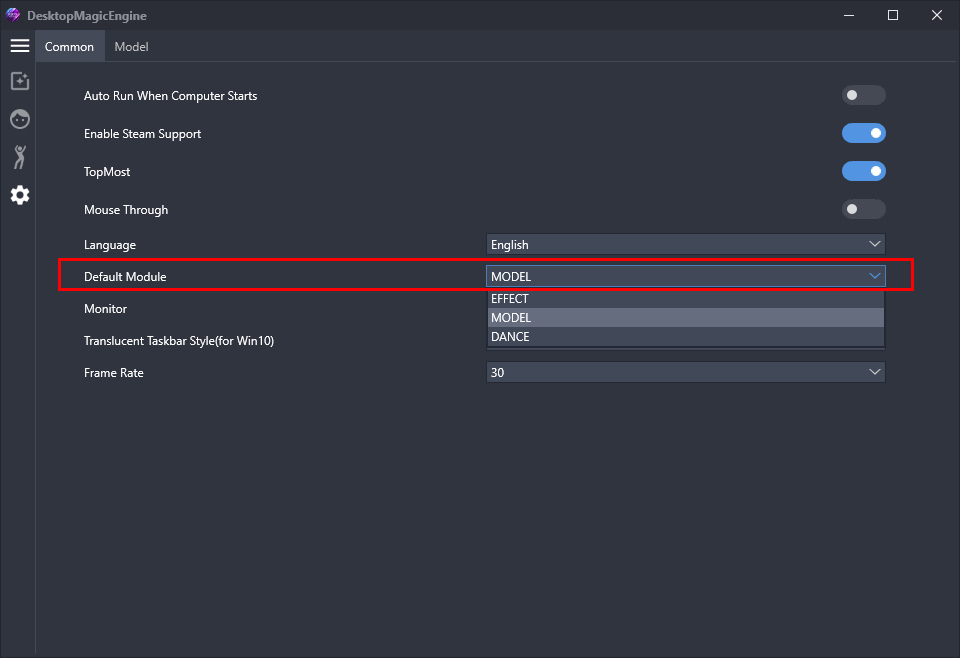
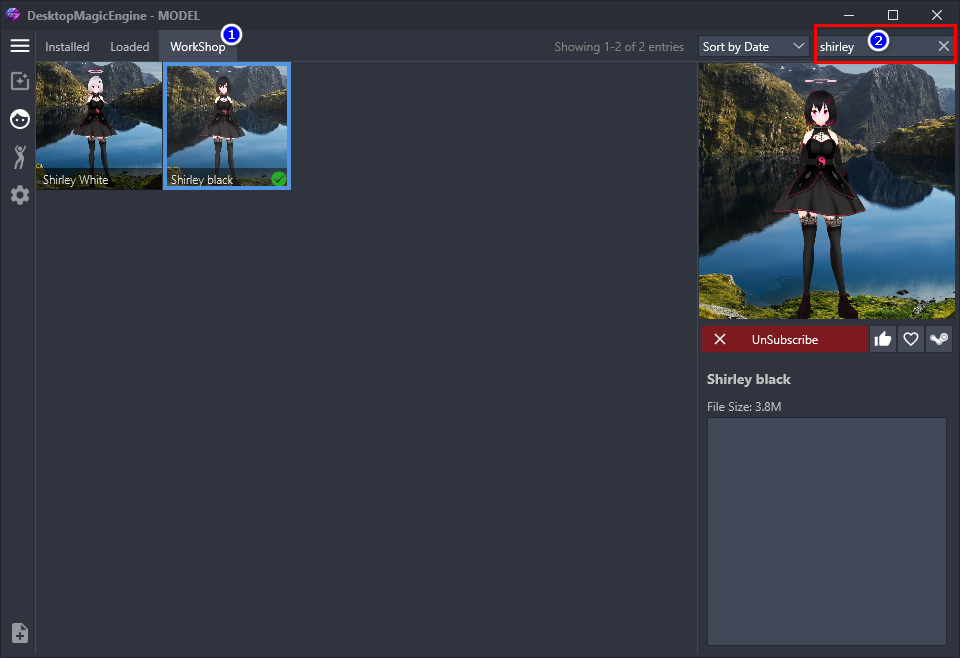
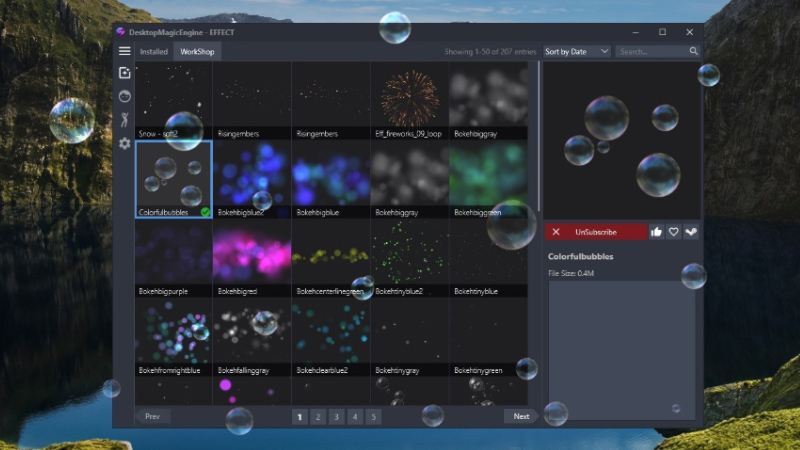
[Version update] Optimize the loading speed of model and dance list UI
When there are too many models or dances in the Installed list, in the previous version, the speed of switching models or dancing UI was too slow or even stuck for about few seconds. After the deep optimization of this version, no matter how many models dance in the Installed lis
When there are too many models or dances in the Installed list, in the previous version, the speed of switching models or dancing UI was too slow or even stuck for about few seconds.
After the deep optimization of this version, no matter how many models dance in the Installed list, it can be very smooth and instantly open in seconds. No more stuttering issues.
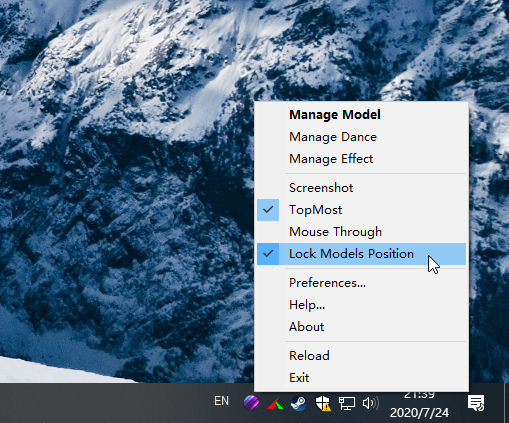
Original post 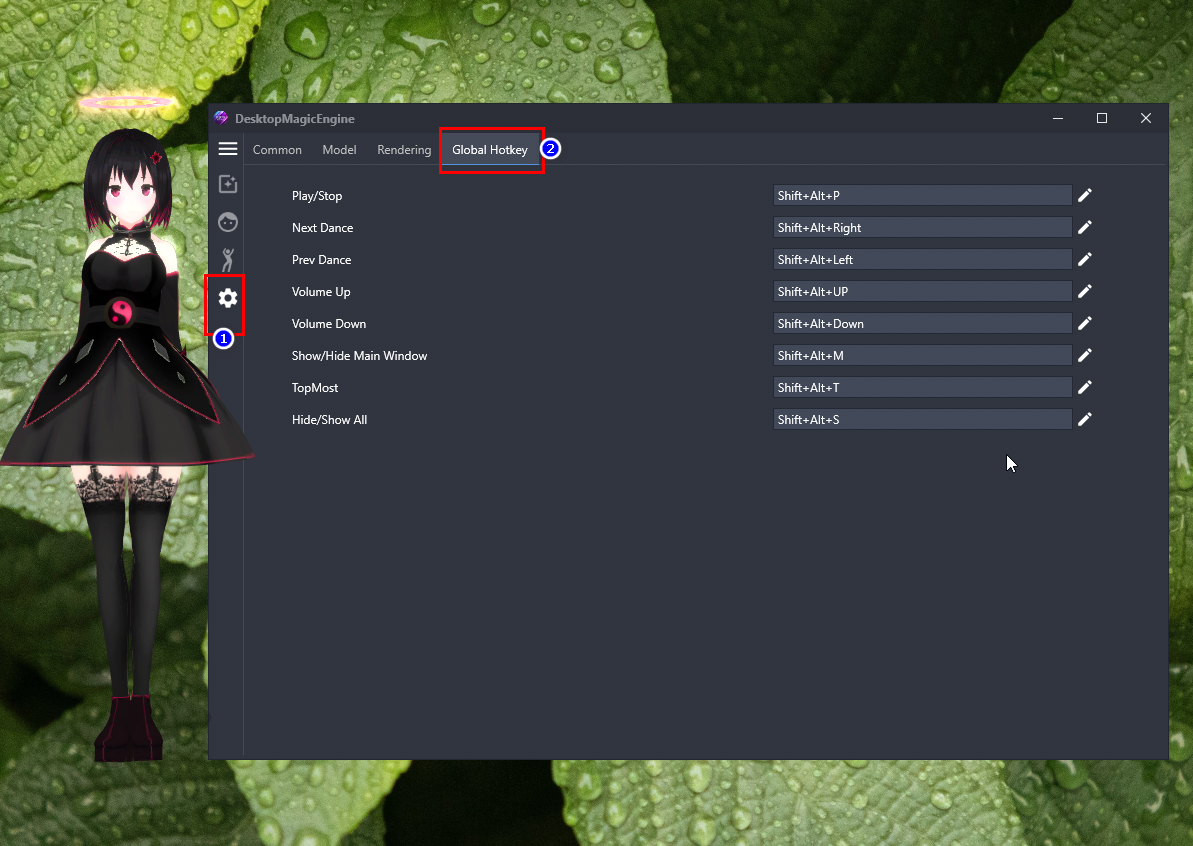 2. Add the "Boss Coming" Hotkey : One-key to pause the song and hide all models, press it again to restore the display and then play music and dance, the default hotkey is Shift+Alt+S . And the software will automatically release all CPU and GPU usage when paused, so you can play the game without worrying about dropped frames. This function can also be directly clicked on the tray right-click popup menu item "Hide All" to enable.
3. Buy “DesktopMagicEngine” will Get "DesktopMMD4: Born to Dance" for Free.
https://store.steampowered.com/app/1968650/MMD4/
2. Add the "Boss Coming" Hotkey : One-key to pause the song and hide all models, press it again to restore the display and then play music and dance, the default hotkey is Shift+Alt+S . And the software will automatically release all CPU and GPU usage when paused, so you can play the game without worrying about dropped frames. This function can also be directly clicked on the tray right-click popup menu item "Hide All" to enable.
3. Buy “DesktopMagicEngine” will Get "DesktopMMD4: Born to Dance" for Free.
https://store.steampowered.com/app/1968650/MMD4/ https://store.steampowered.com/app/1968650/